
Images and PDF
Markdraw opens images and PDFs in a builtin viewer — no external app, no leaving the workspace. Enable “Show all files” in the file-tree visibility dropdown to see them in the tree.
Images
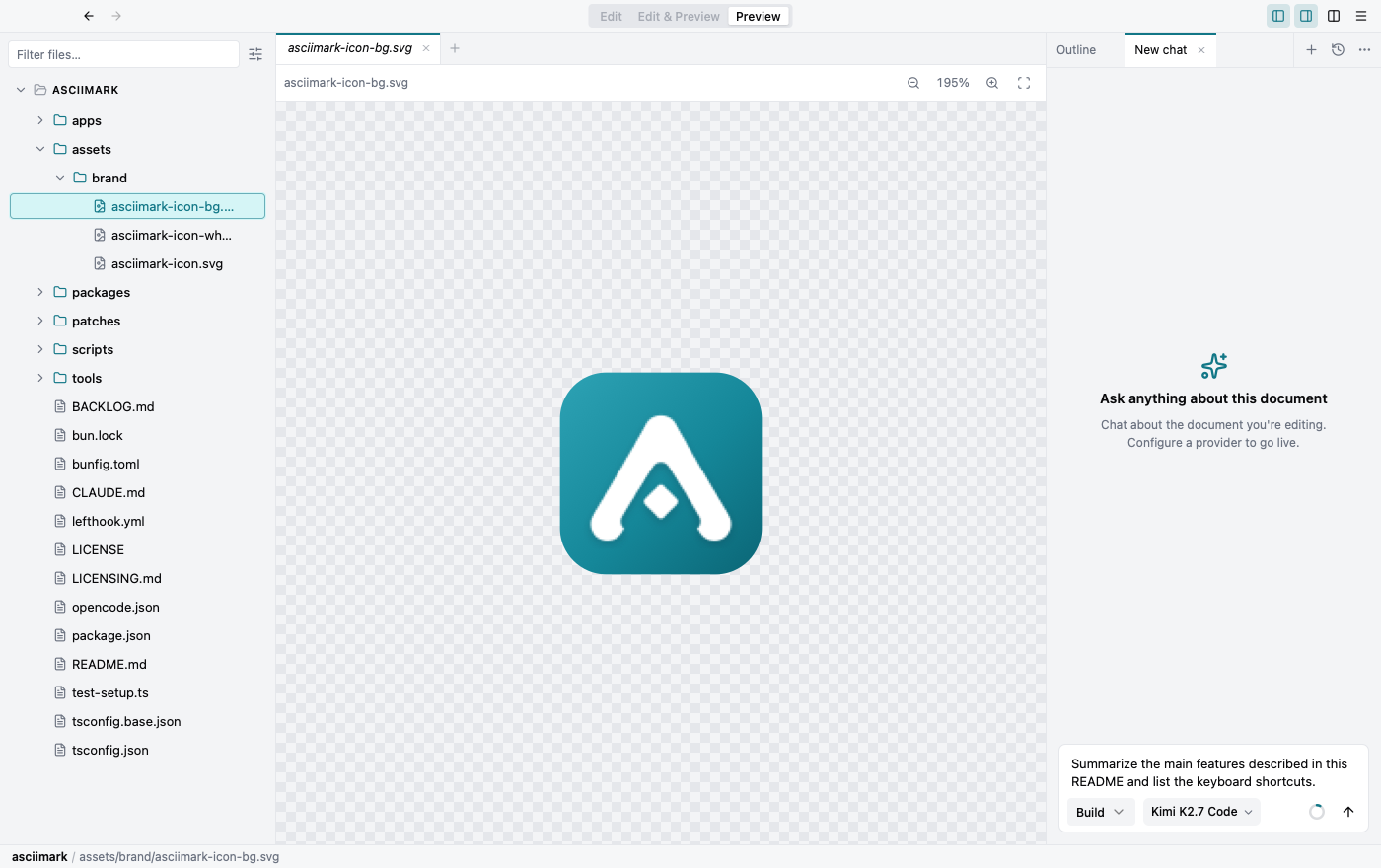
Section titled “Images”Renders .png, .jpg, .jpeg, .gif, .webp, .avif, .bmp, .svg and .ico with zoom in/out, fit-to-window, and a checkerboard backdrop for transparency.
PDFs render every page in a single continuous scroll (no page-flipping), with zoom and fit-to-width. Rendering is bundled, so it looks identical on macOS, Windows, and Linux.
Edit, Preview, and Split by file type
Section titled “Edit, Preview, and Split by file type”The Edit / Edit & Preview / Preview toggle adapts to what each file supports:
- Markdown & AsciiDoc — edit, split, and preview are all available.
- Images & PDF — preview only; editing is disabled.
- Plain text (txt, json, yaml, …) — edit only; there is no rendered preview.
- Unsupported files (binaries that can’t be rendered or read as text) show an “unsupported format” notice.
Zoom and pan
Section titled “Zoom and pan”Images and PDFs open in a viewer with zoom and drag-to-pan — the same controls as the diagram viewer. Use the toolbar, the scroll wheel, or a trackpad pinch.
Inline images in documents
Section titled “Inline images in documents”Click an image inside a Markdown or AsciiDoc preview to set its size — small, fit, full width, or original — or to open it full-screen and zoom in.