Tabs — preview vs pinned
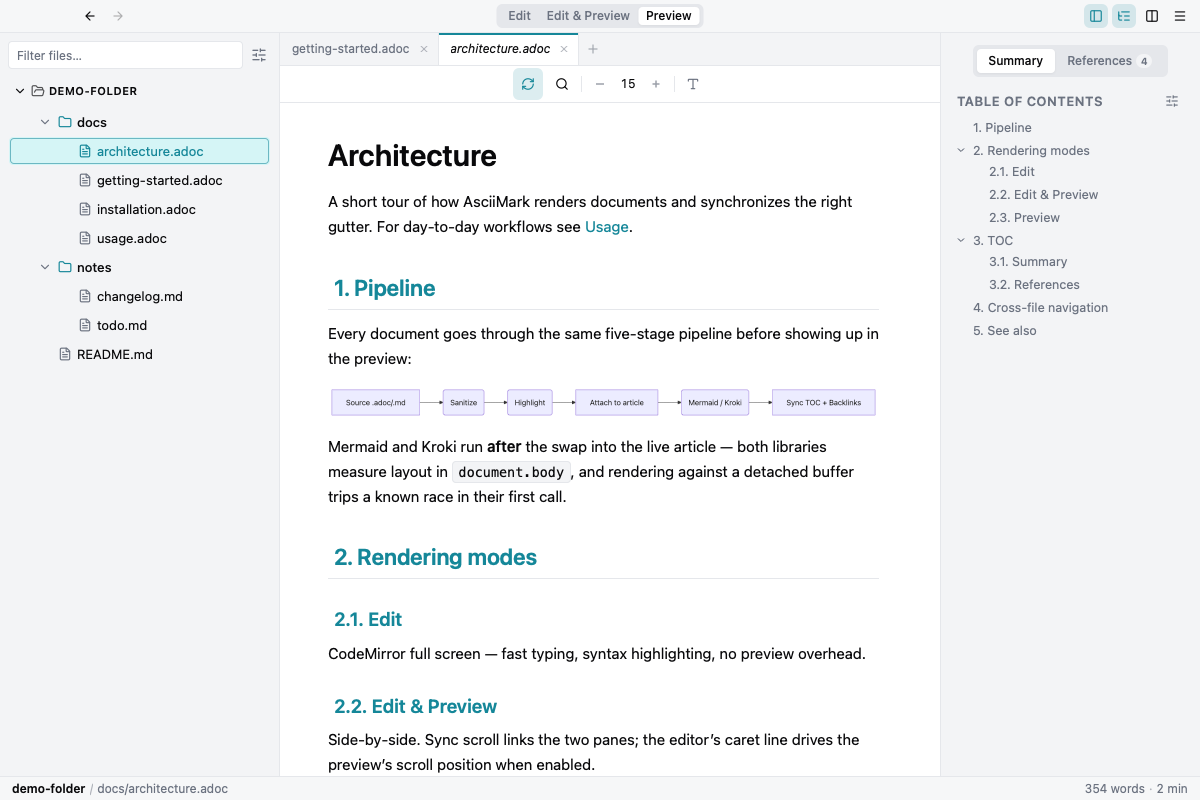
Single-click in the file tree opens the file in the preview slot — the tab title shows in italic. Click another file and the preview is replaced. Double-click, drag, or just start editing to pin the tab; pinned tabs stay until you close them.
The invariant: at most one preview tab per pane. Middle-click and “Open in New Tab” always create a pinned tab.