TOC and References
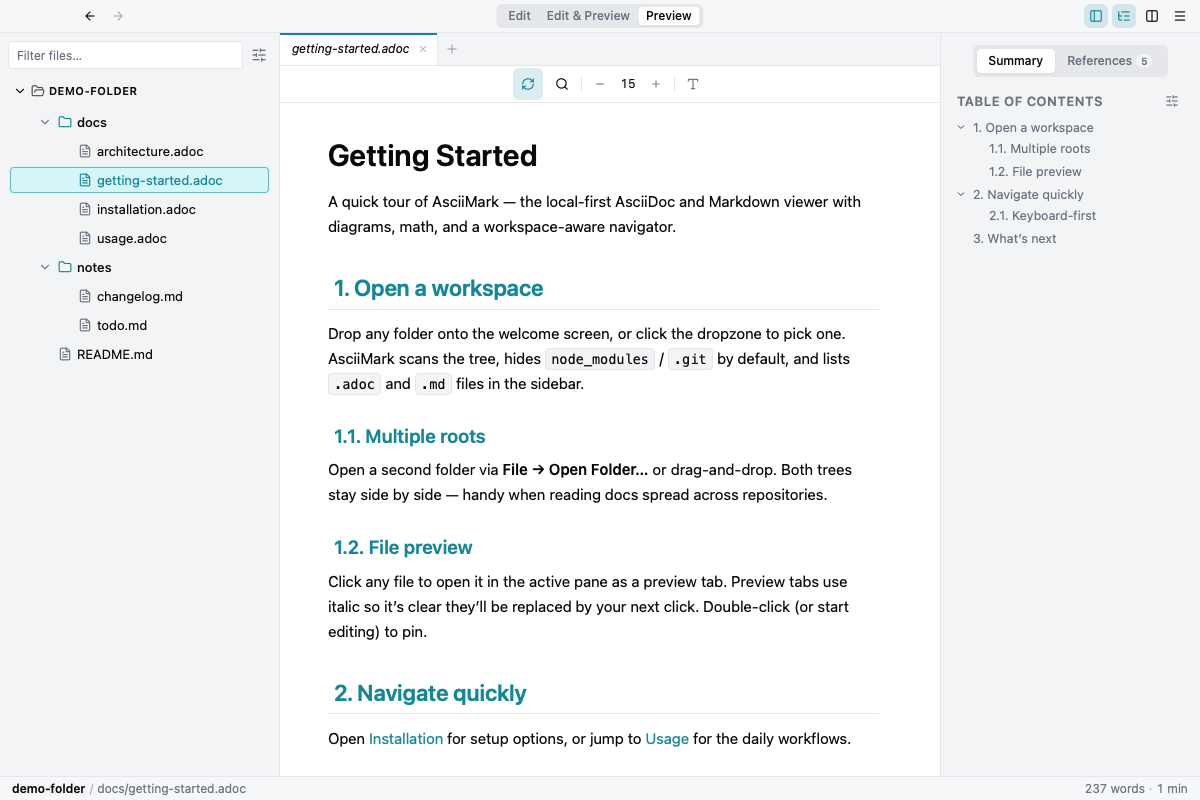
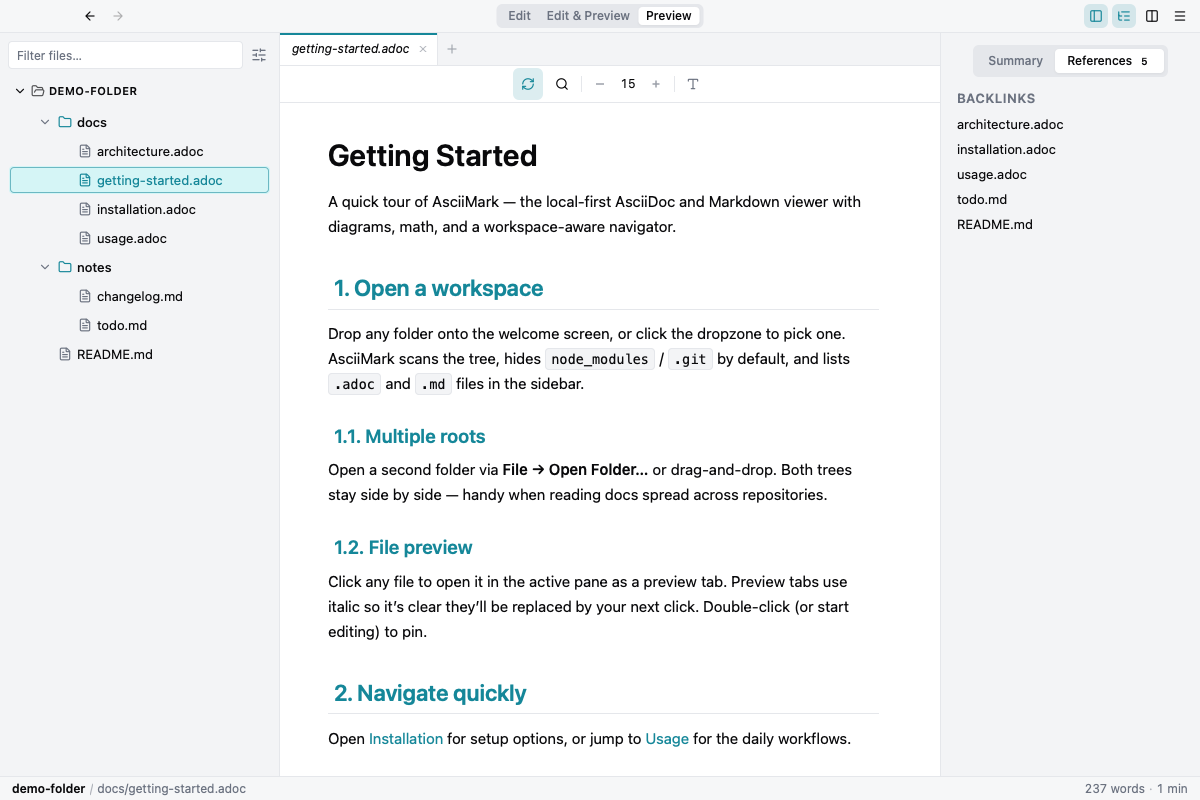
The right gutter is segmented into two tabs:
- Summary — the rendered document’s table of contents. Scroll position drives the active heading highlight.
- References — every other workspace doc that links to the current file via Markdown link, AsciiDoc xref, or include. The count badge tells you upfront whether the active doc is referenced.
Both tabs stay mounted regardless of which is visible — switching is instant.