
Opening Files
Open Folder
Section titled “Open Folder”Select a local directory to browse all supported files in a tree sidebar.
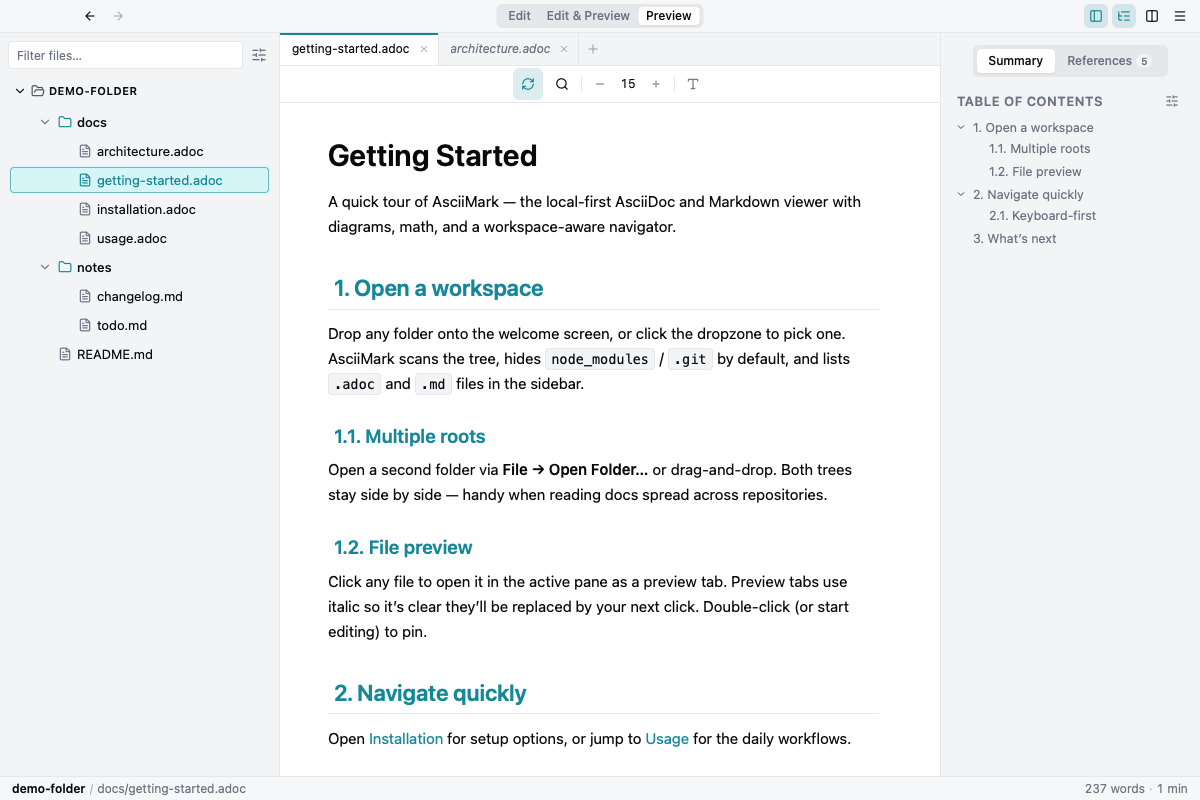
Drag and Drop
Section titled “Drag and Drop”Drop a folder to populate the tree, or drop a file to open it directly.
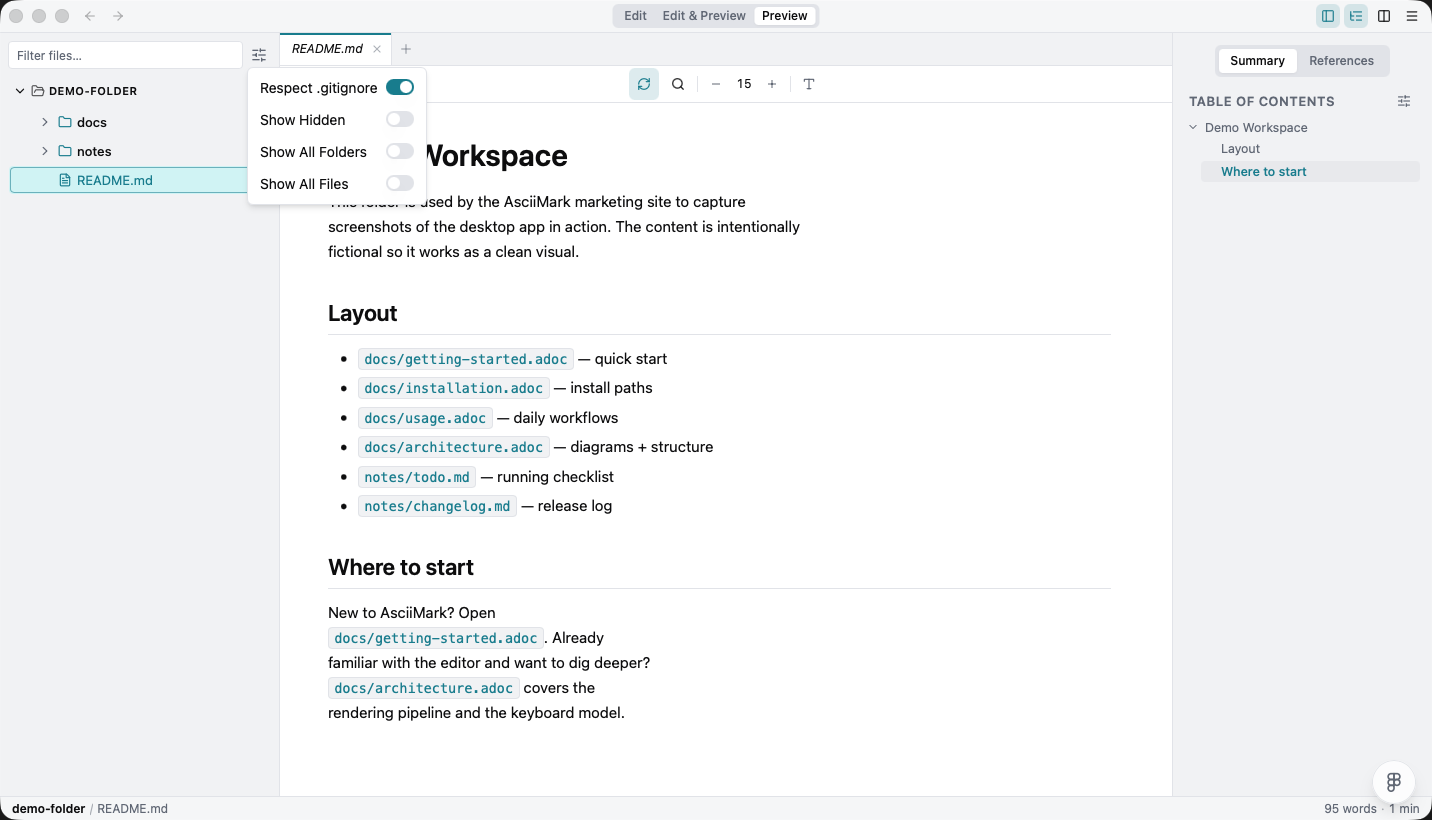
Respect .gitignore
Section titled “Respect .gitignore”Toggle Respect .gitignore in the file-tree visibility dropdown (slider icon) to hide every path matched by the workspace’s .gitignore — including nested .gitignore files inside subdirectories. The toggle ships on by default so build artifacts (node_modules, dist, target, etc.) stay out of the tree without configuration. Flip it off to reveal everything the always-ignored folders block still hides.
URL Mode
Section titled “URL Mode”URLs ending with .adoc and .md can be rendered directly.
File URL Access (Extension)
Section titled “File URL Access (Extension)”- Open
chrome://extensions - Find Markdraw and open Details
- Enable Allow access to file URLs