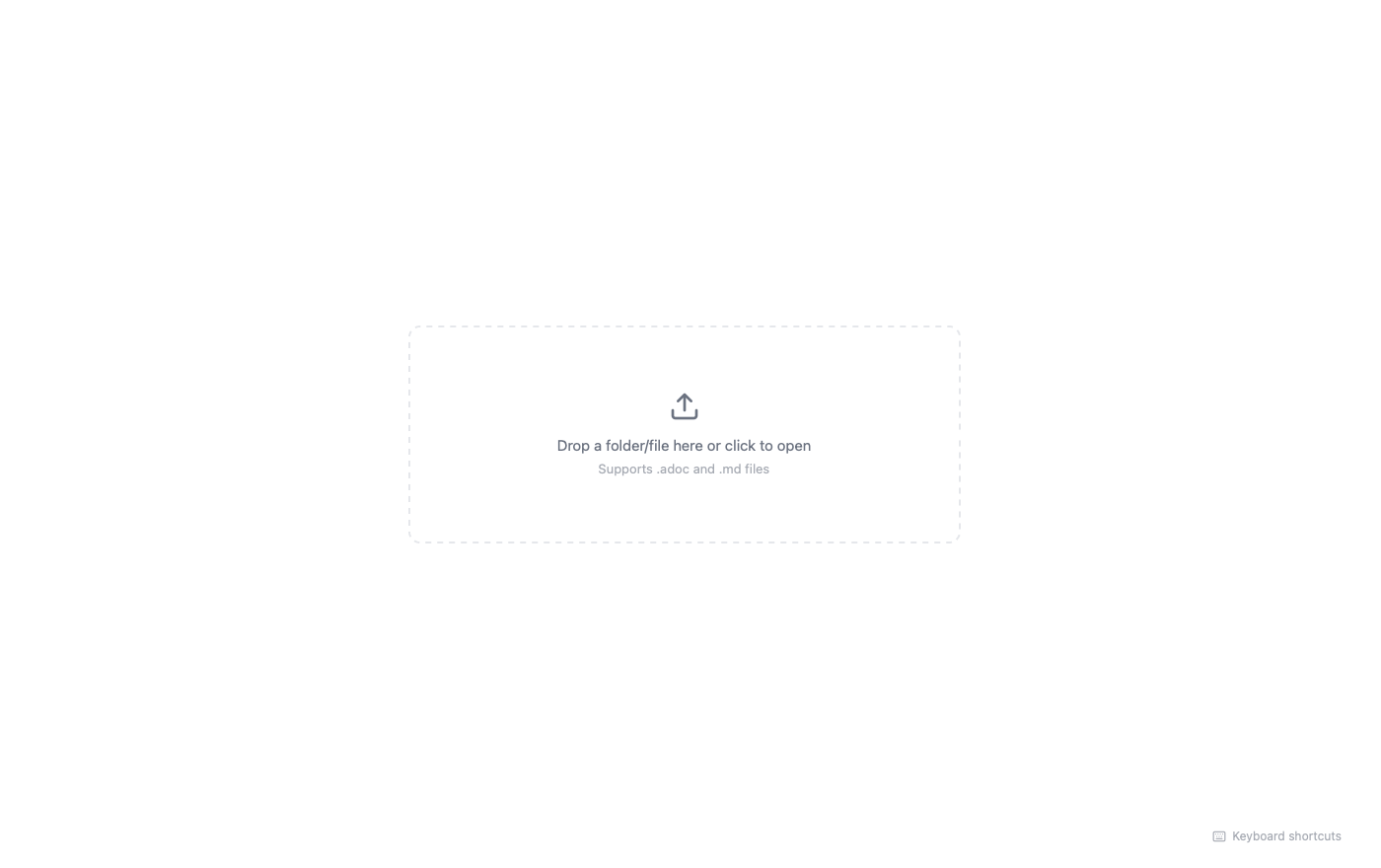
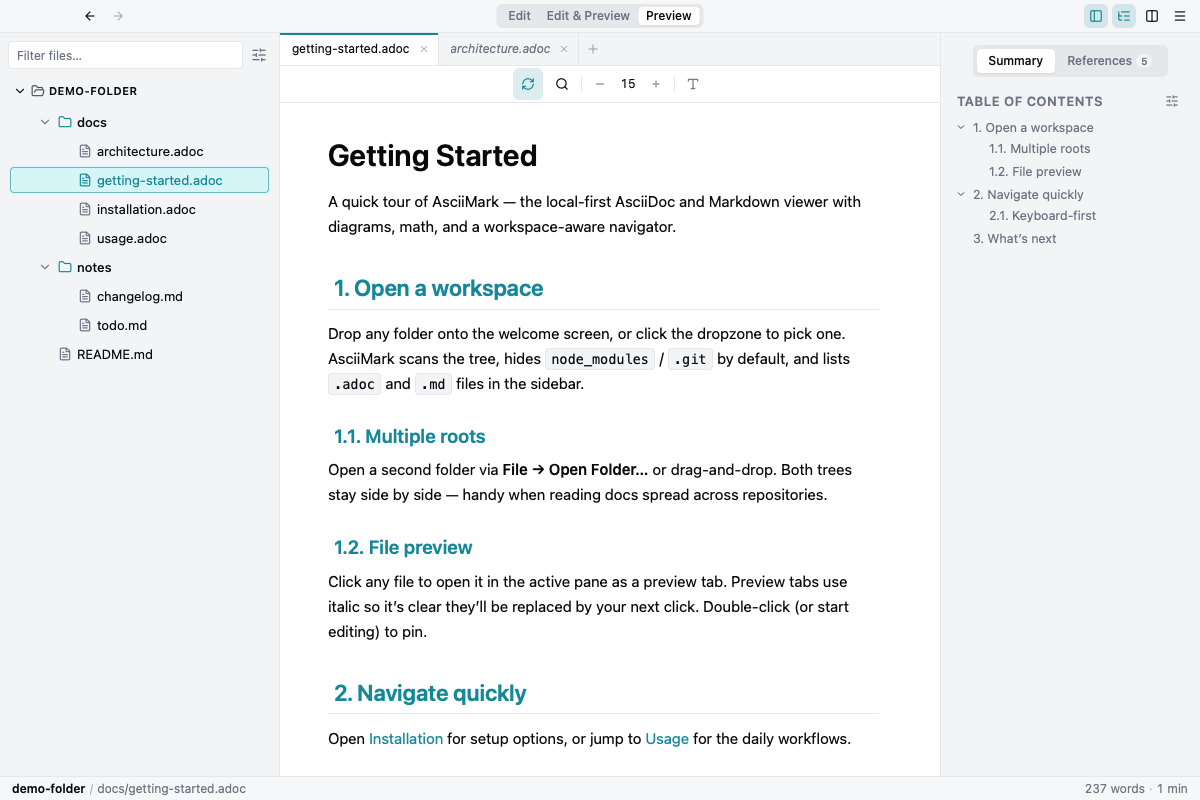
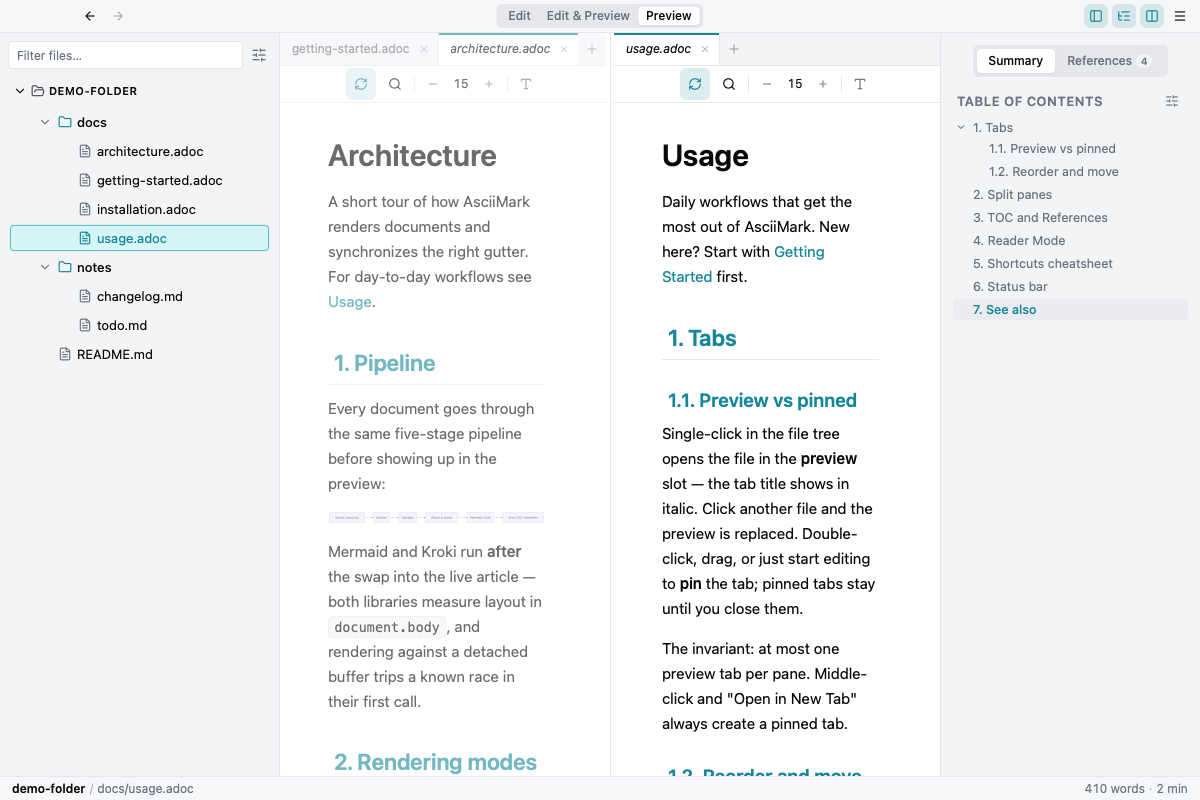
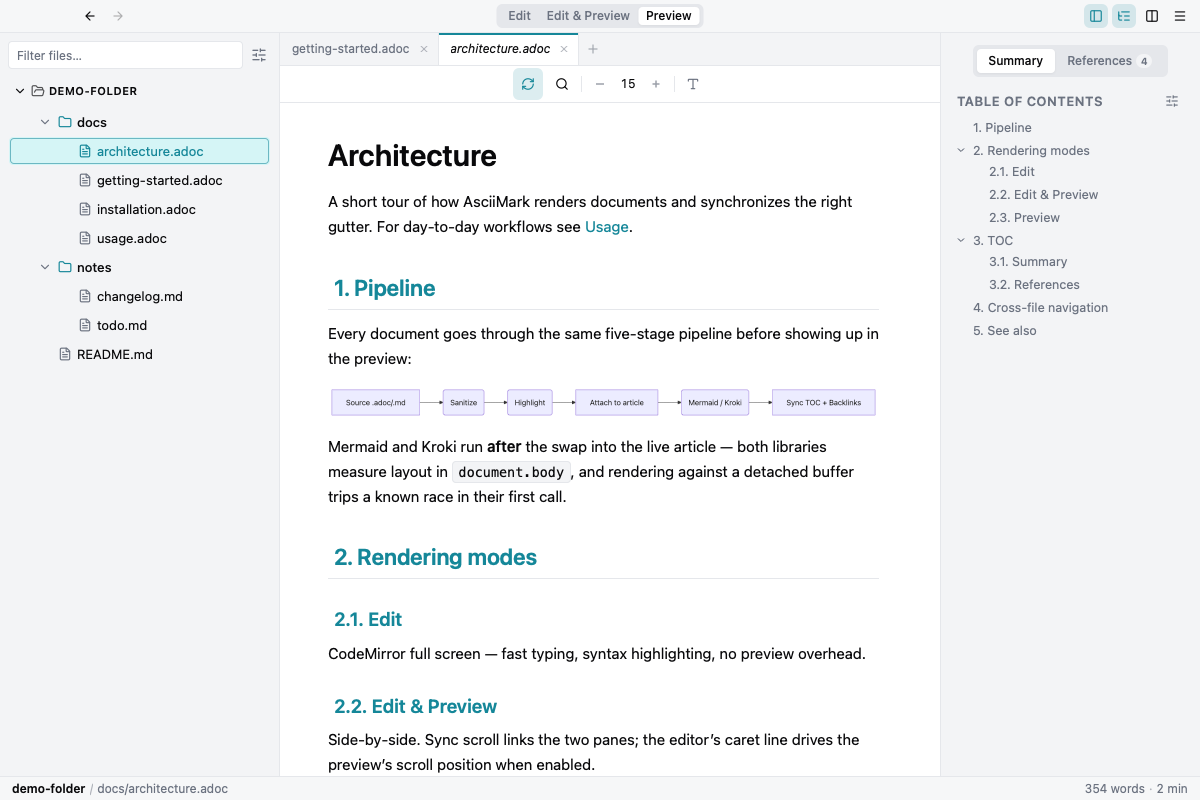
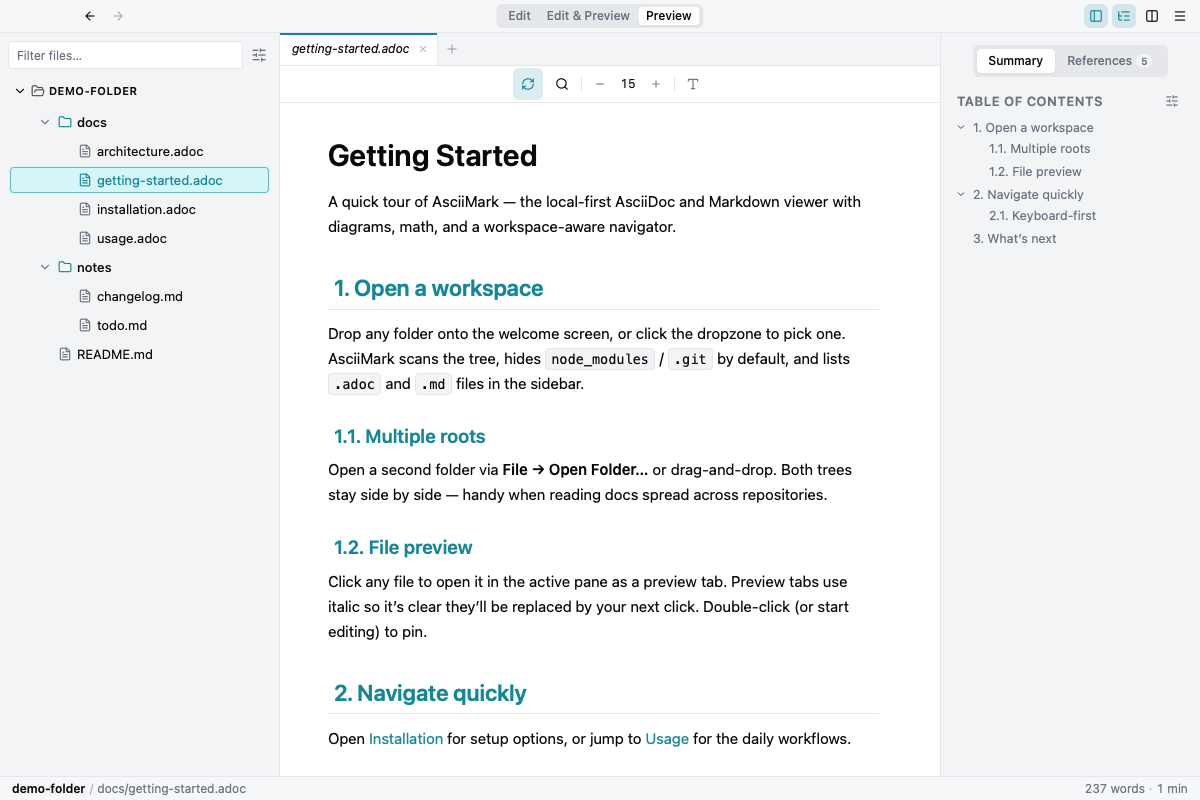
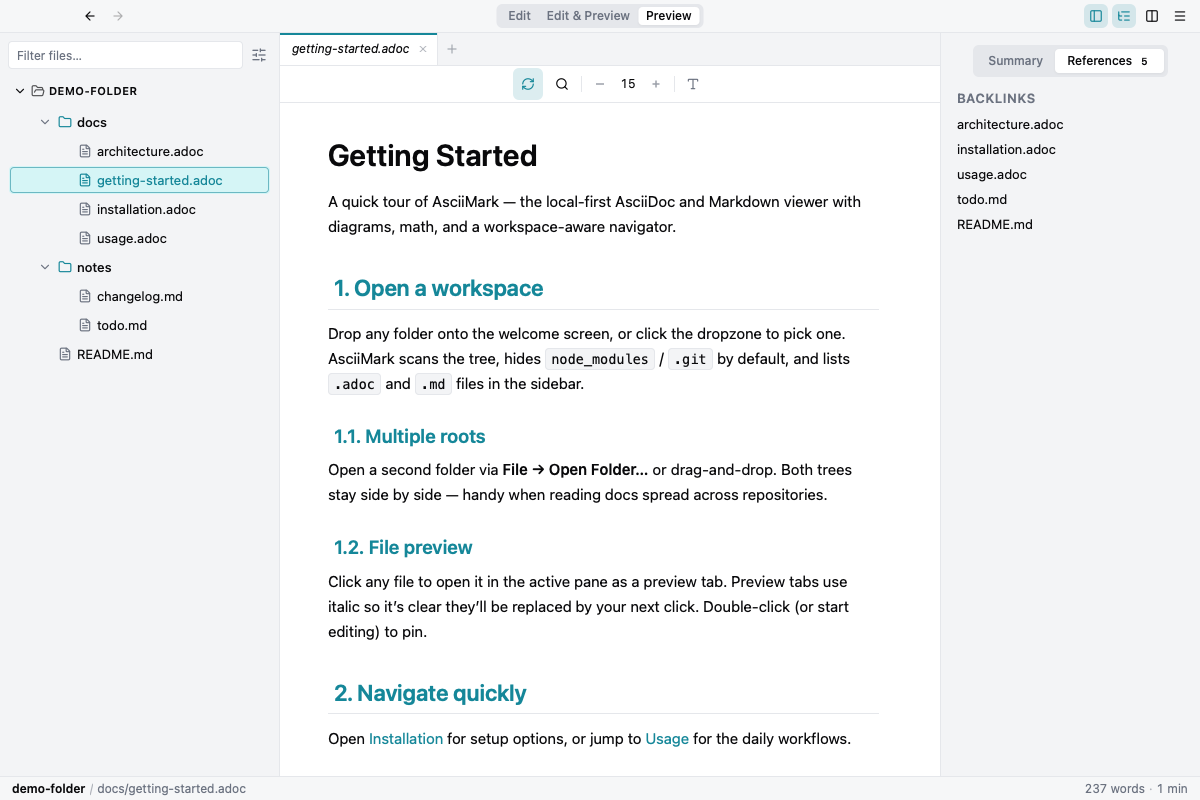
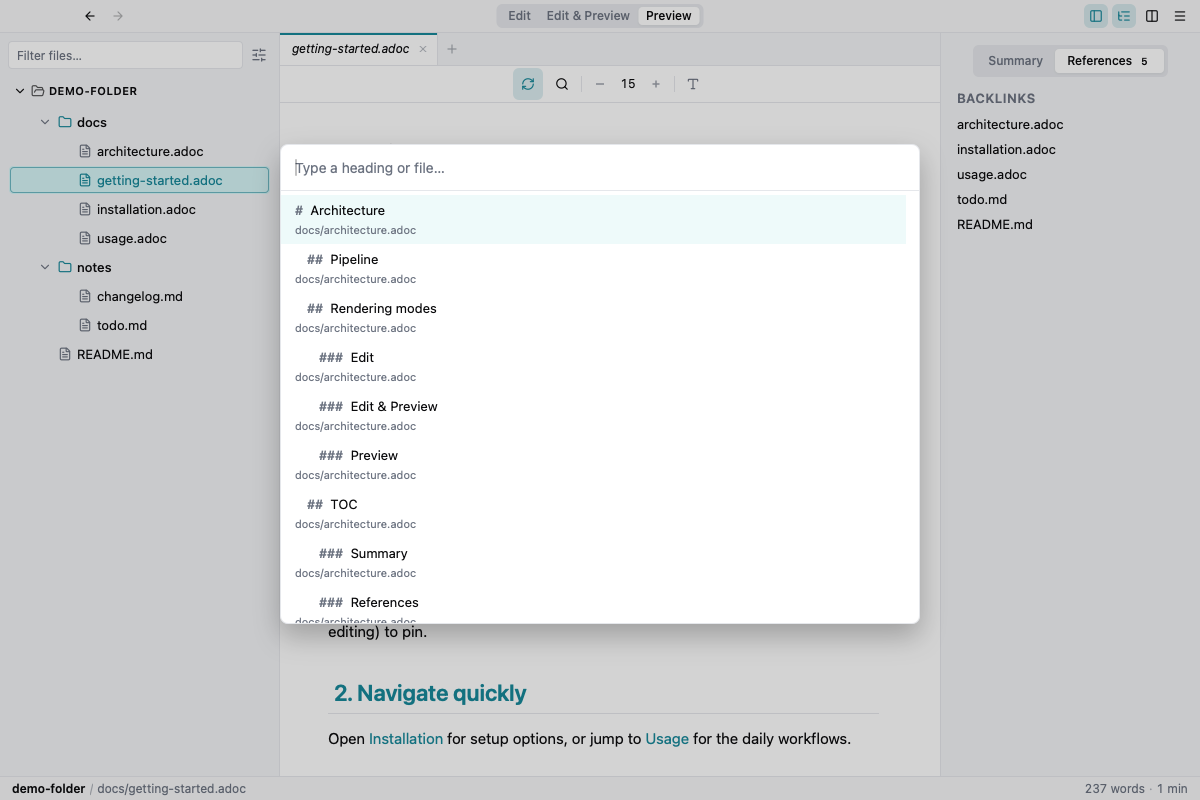
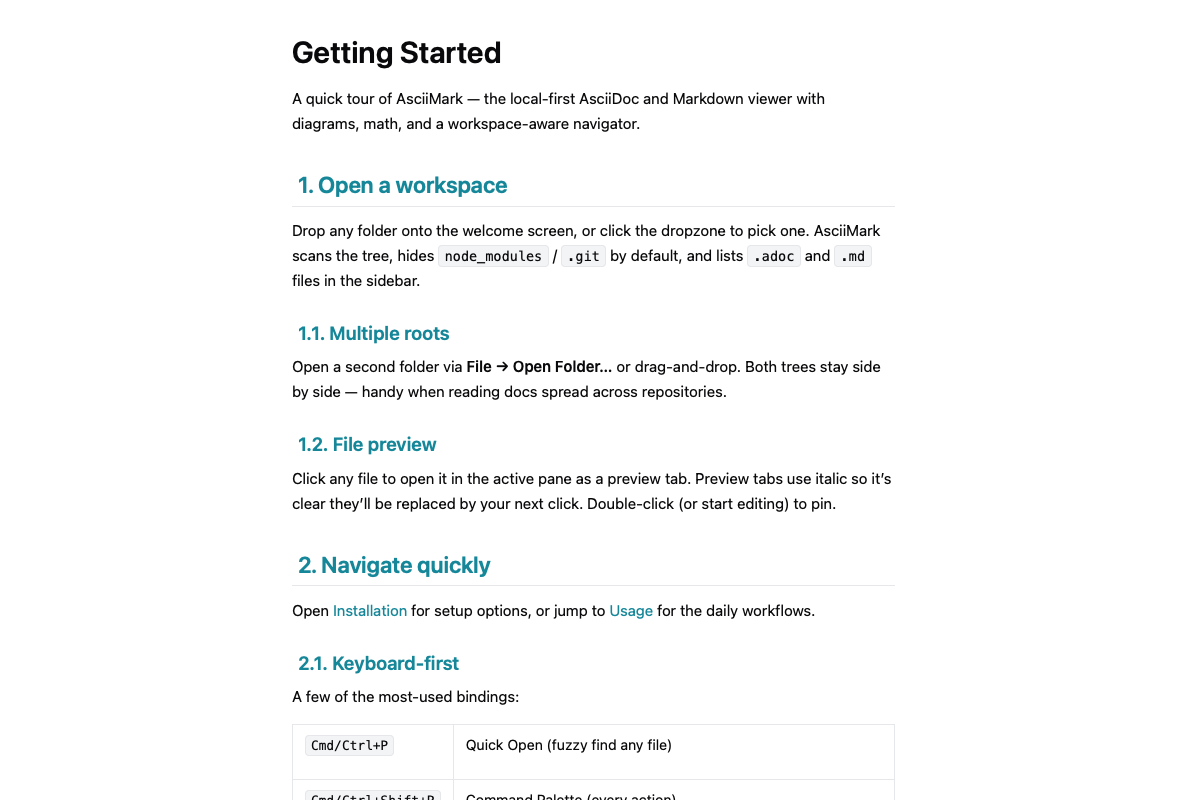
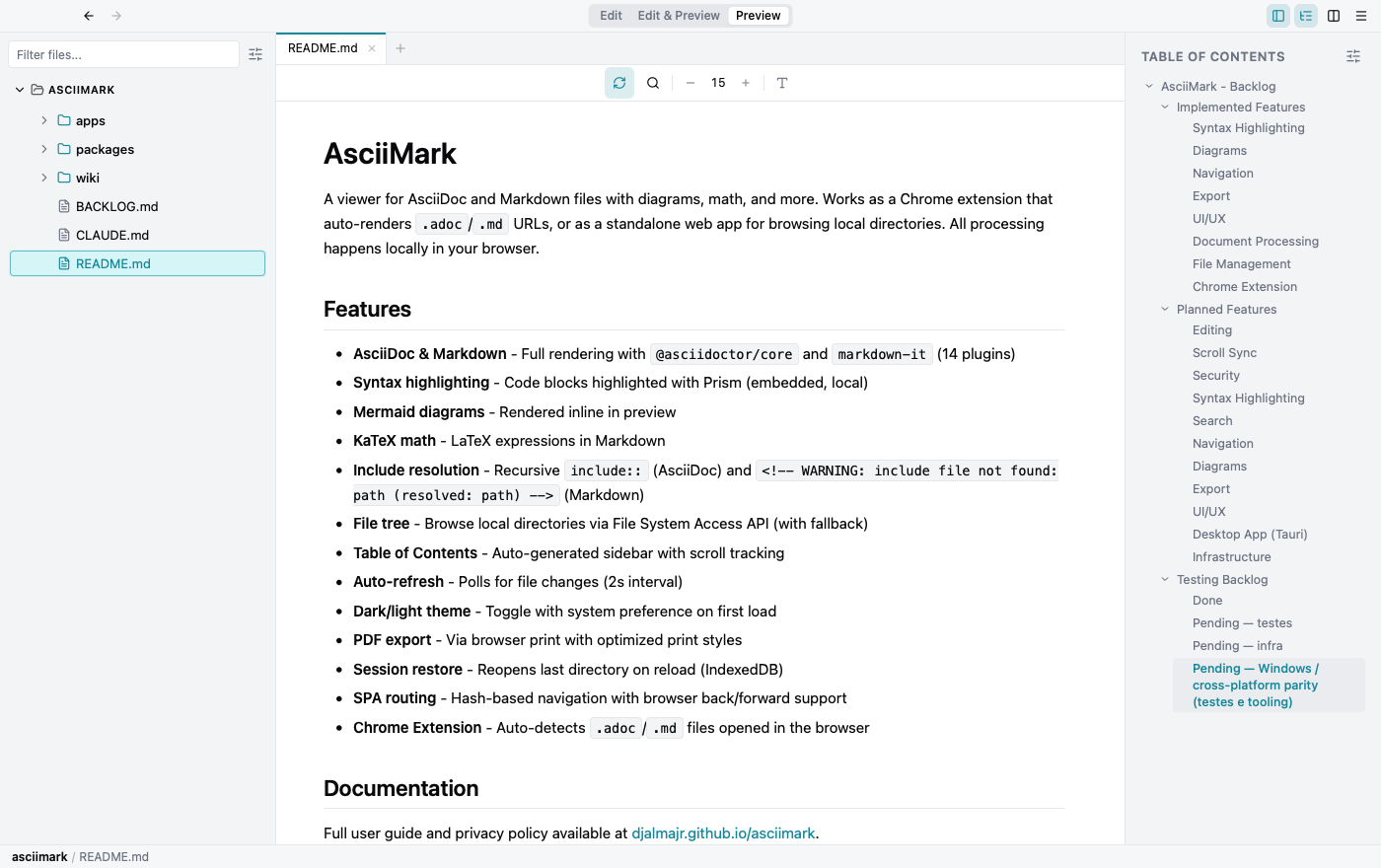
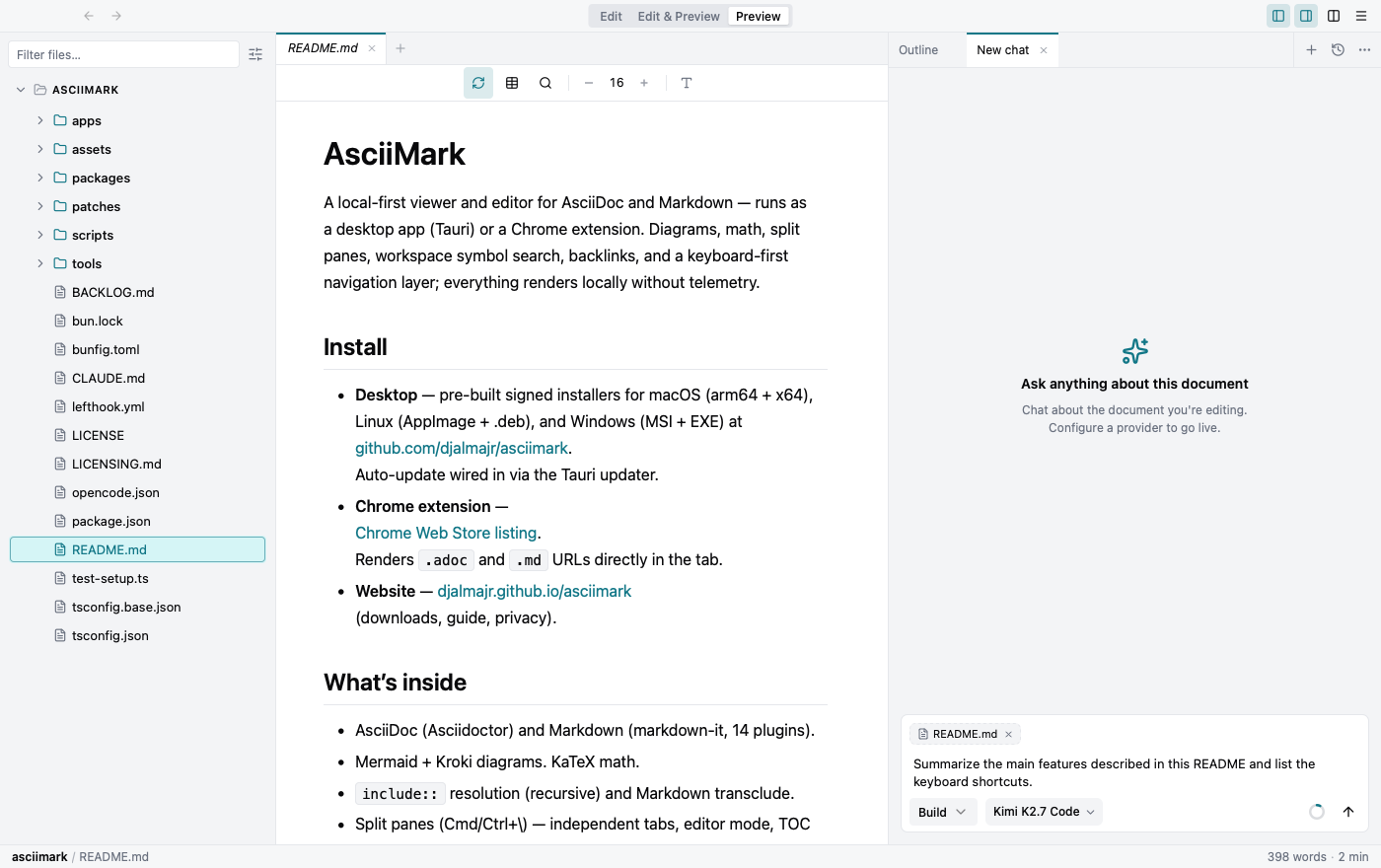
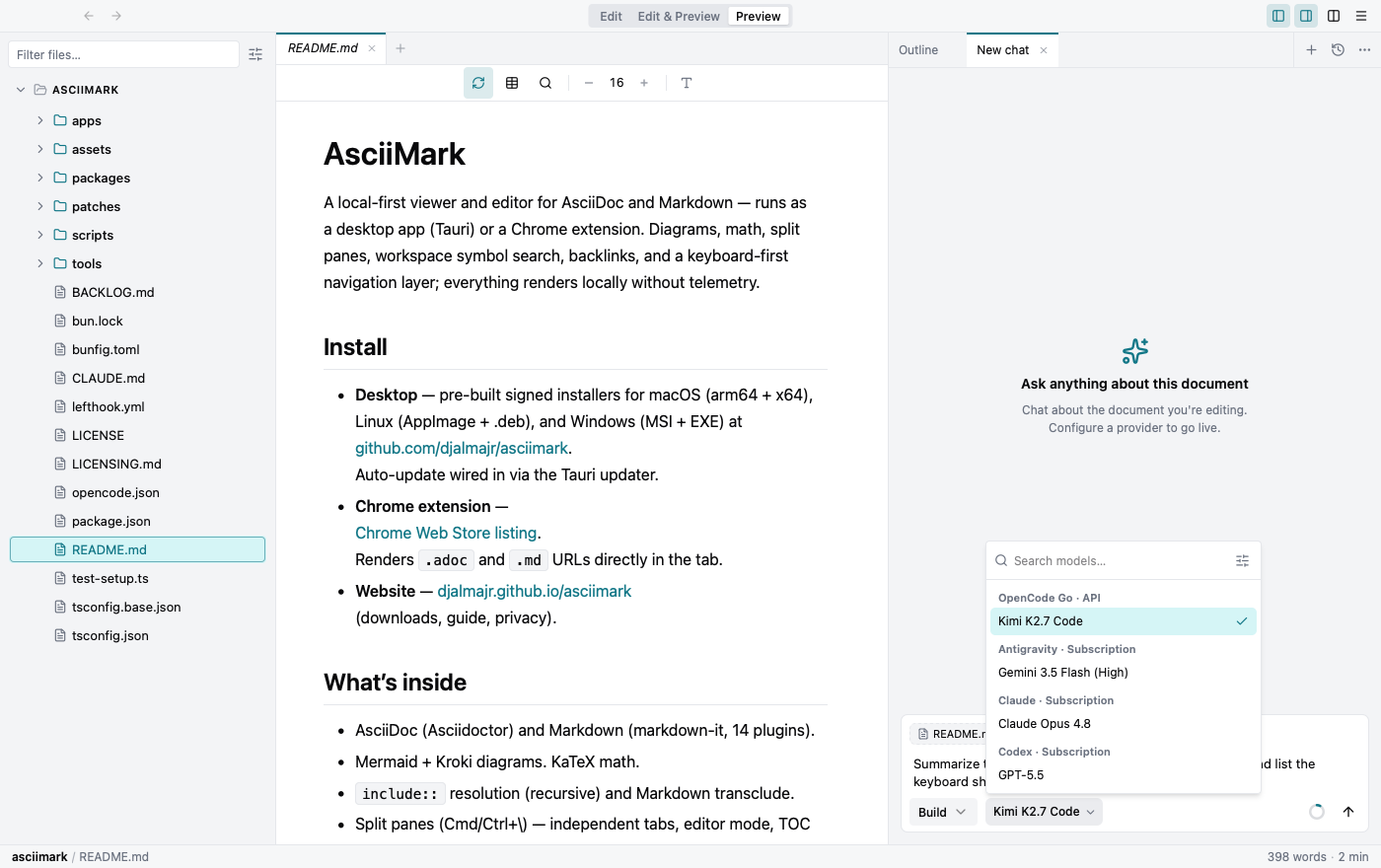
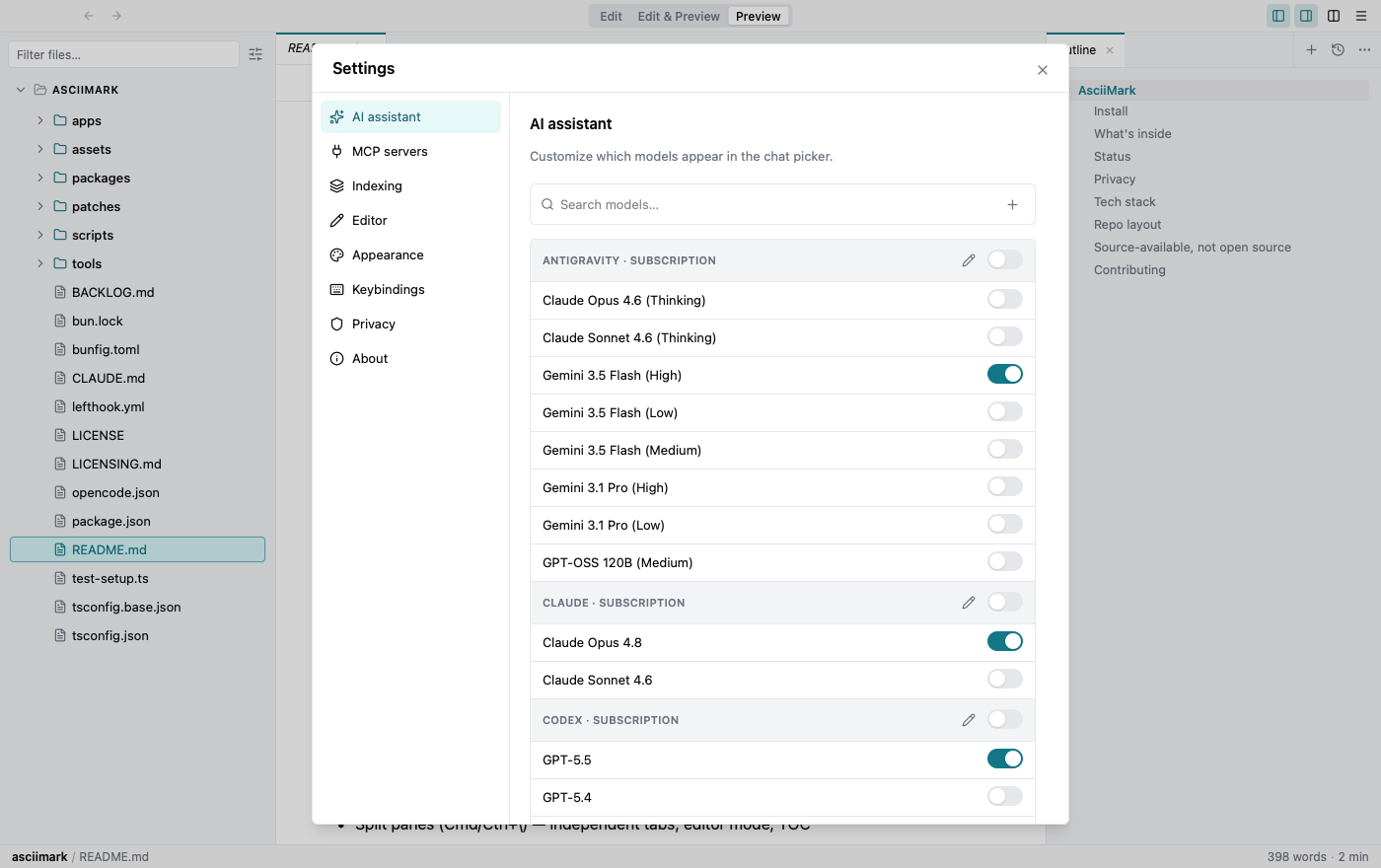
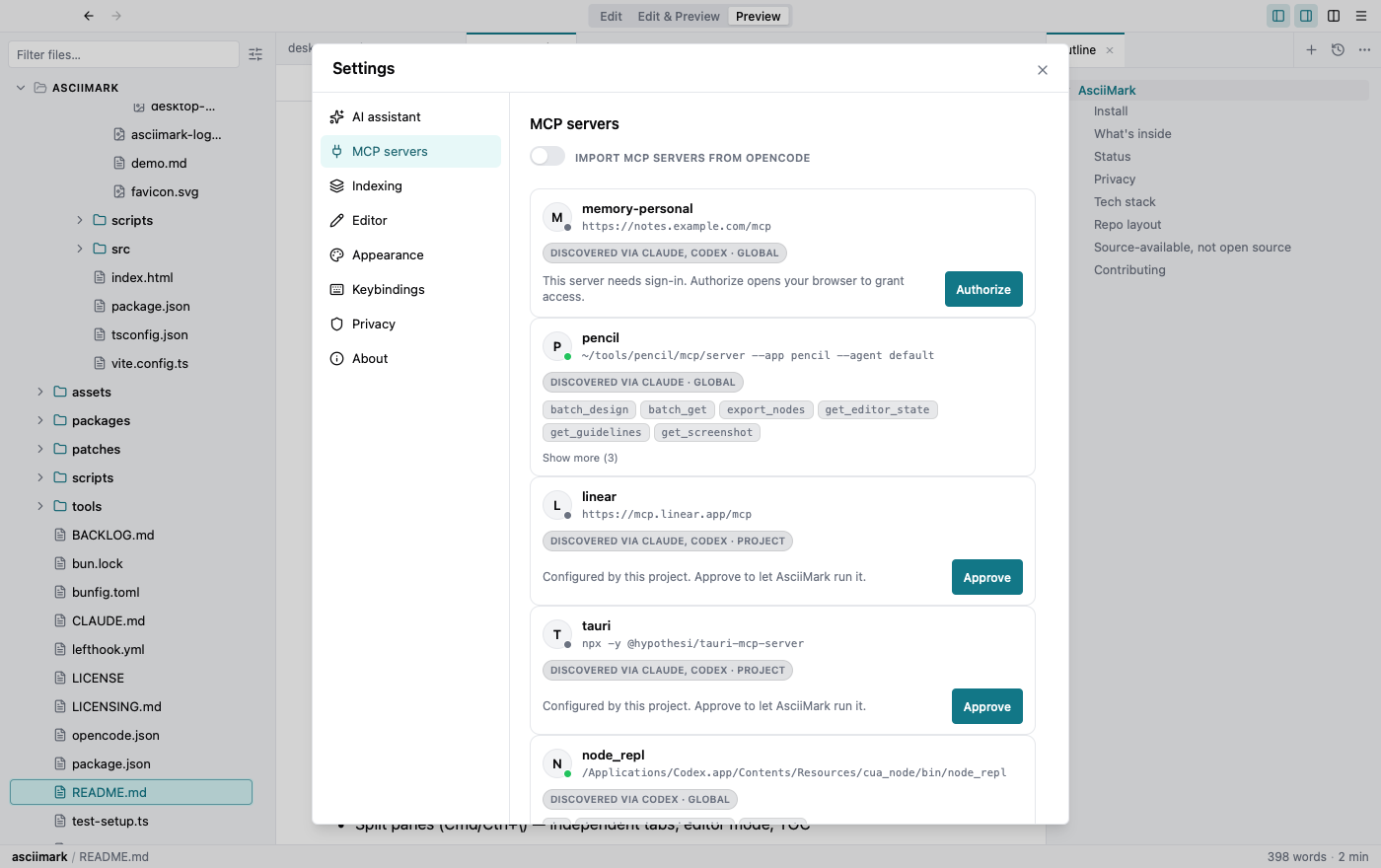
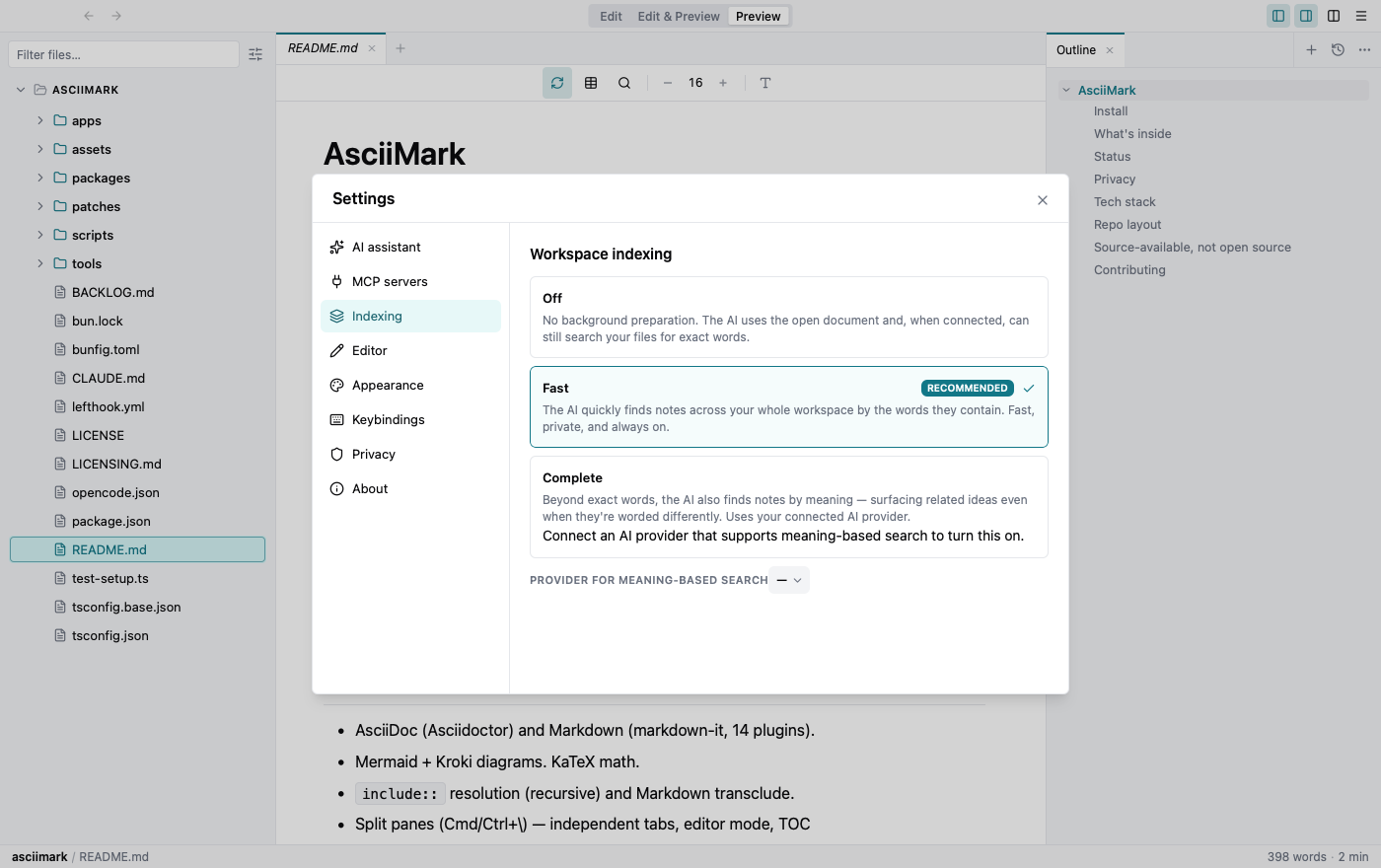
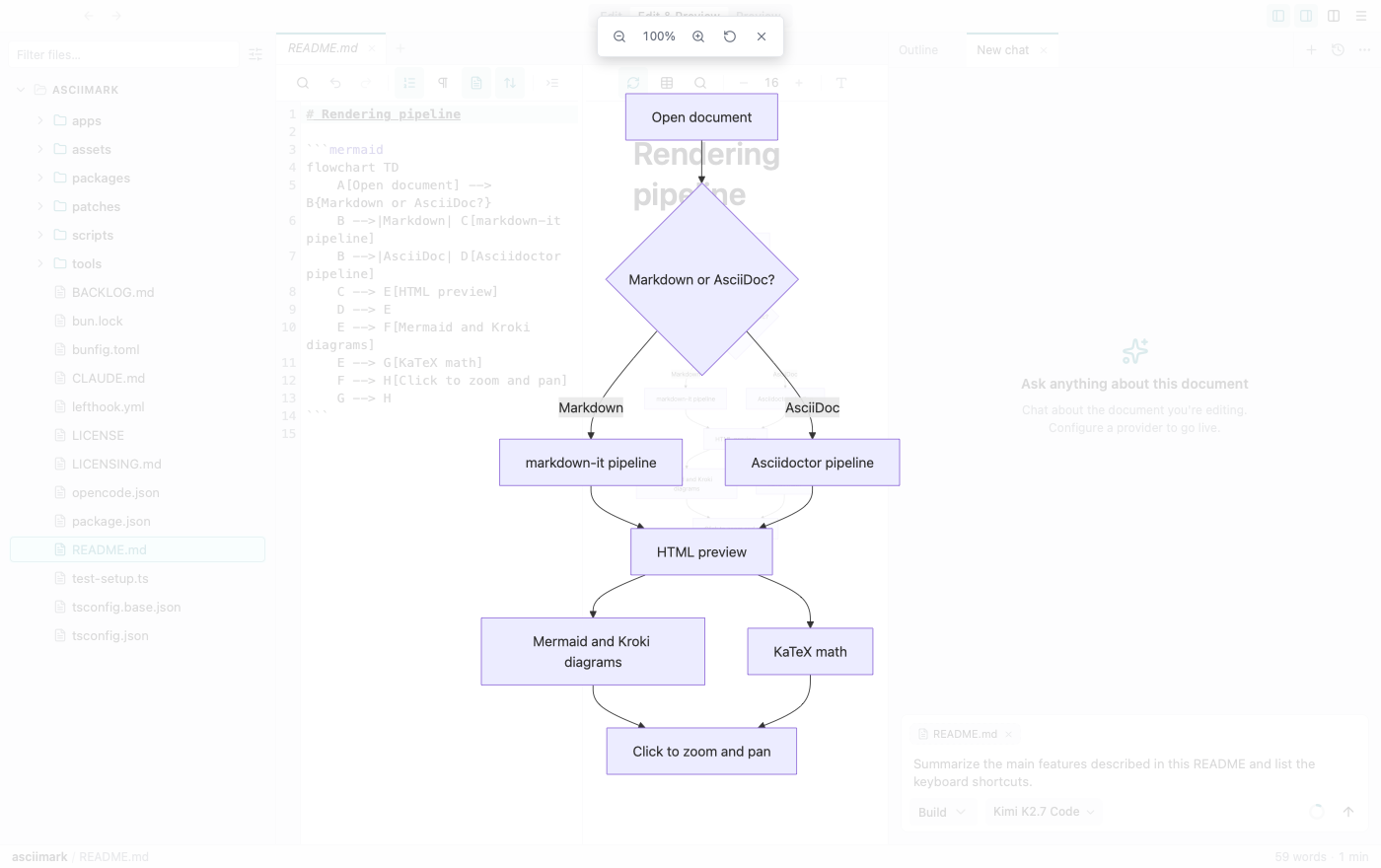
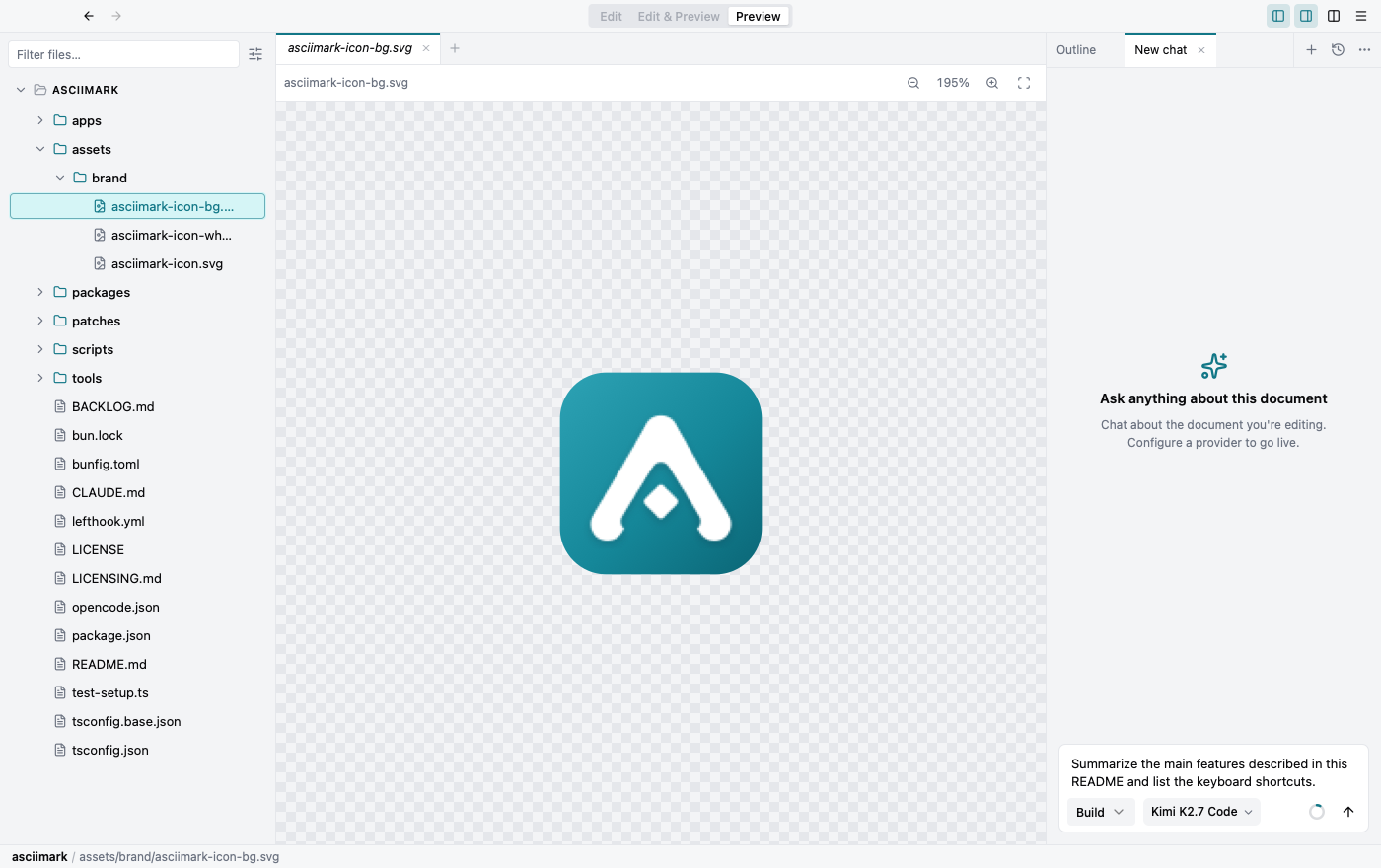
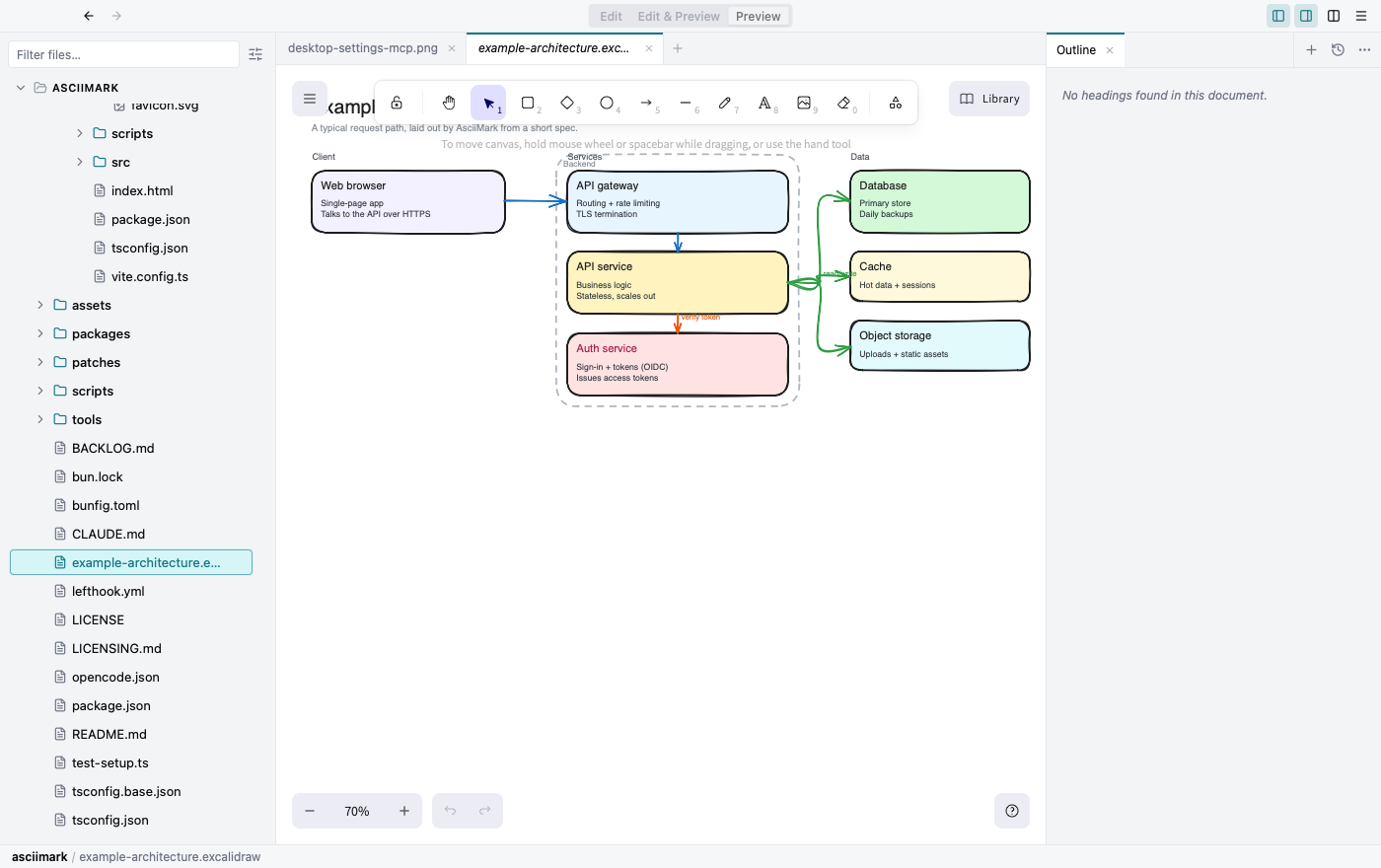
Captured from the desktop app. The Chrome extension shares the same UI in a smaller window.
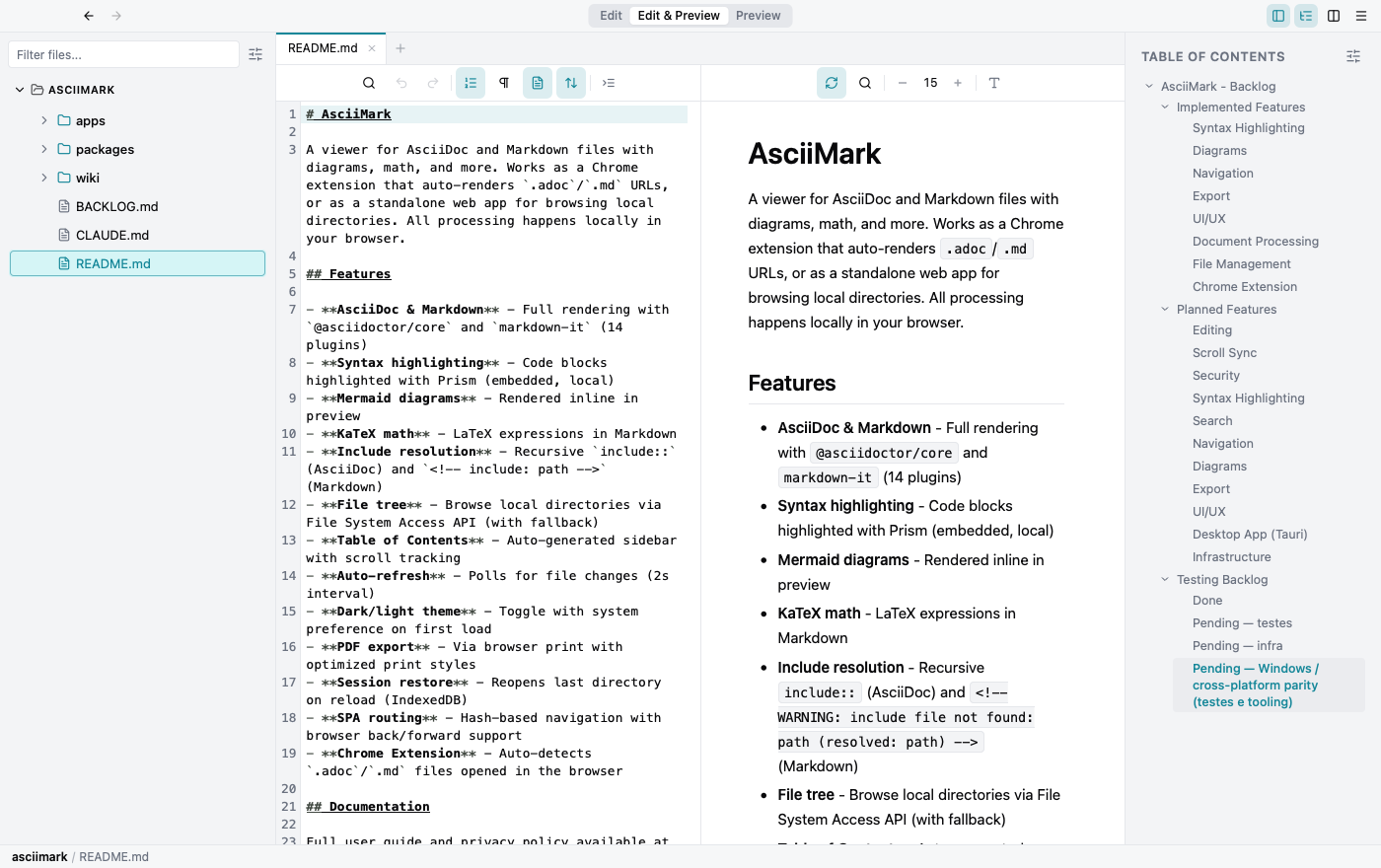
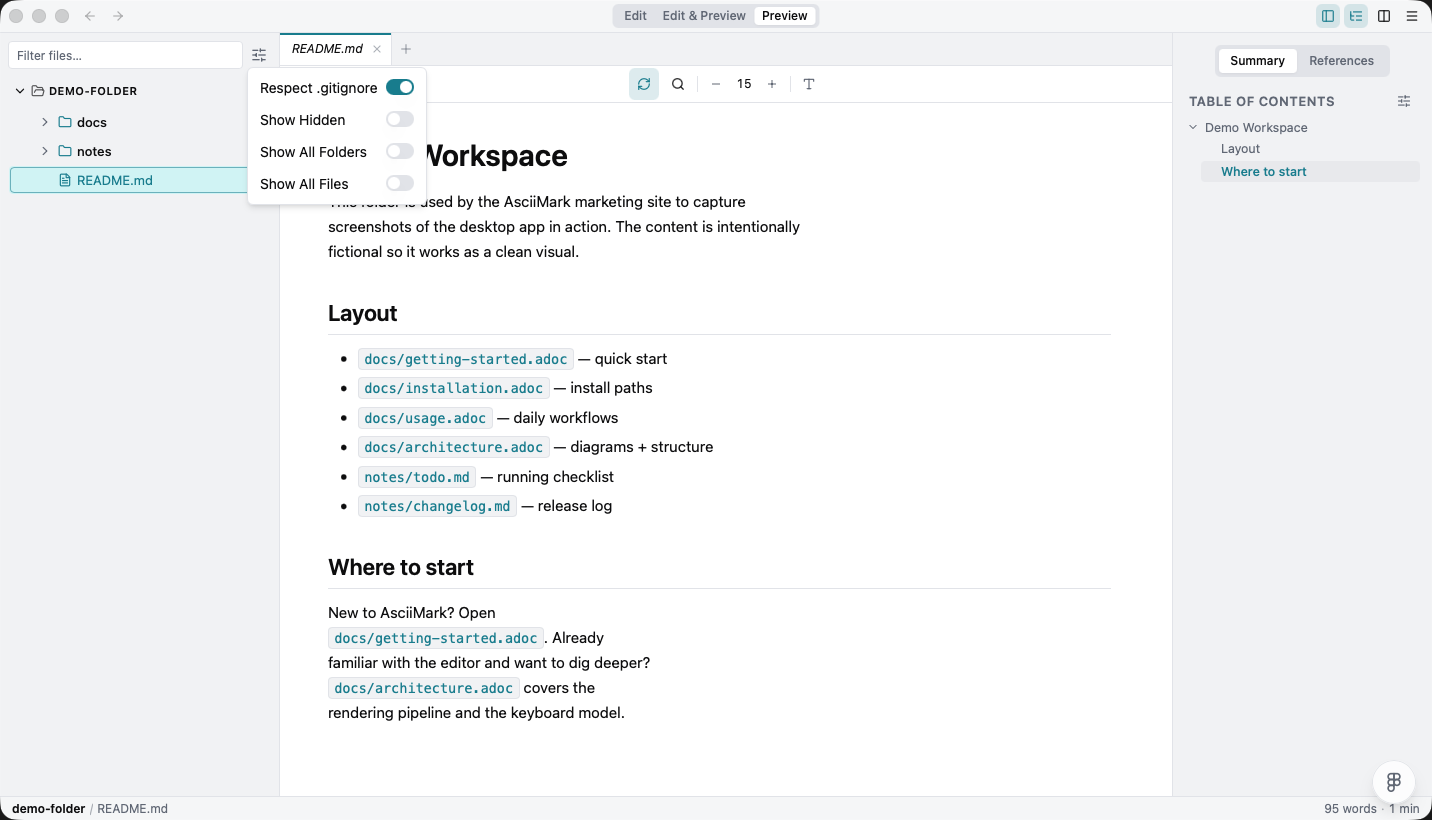
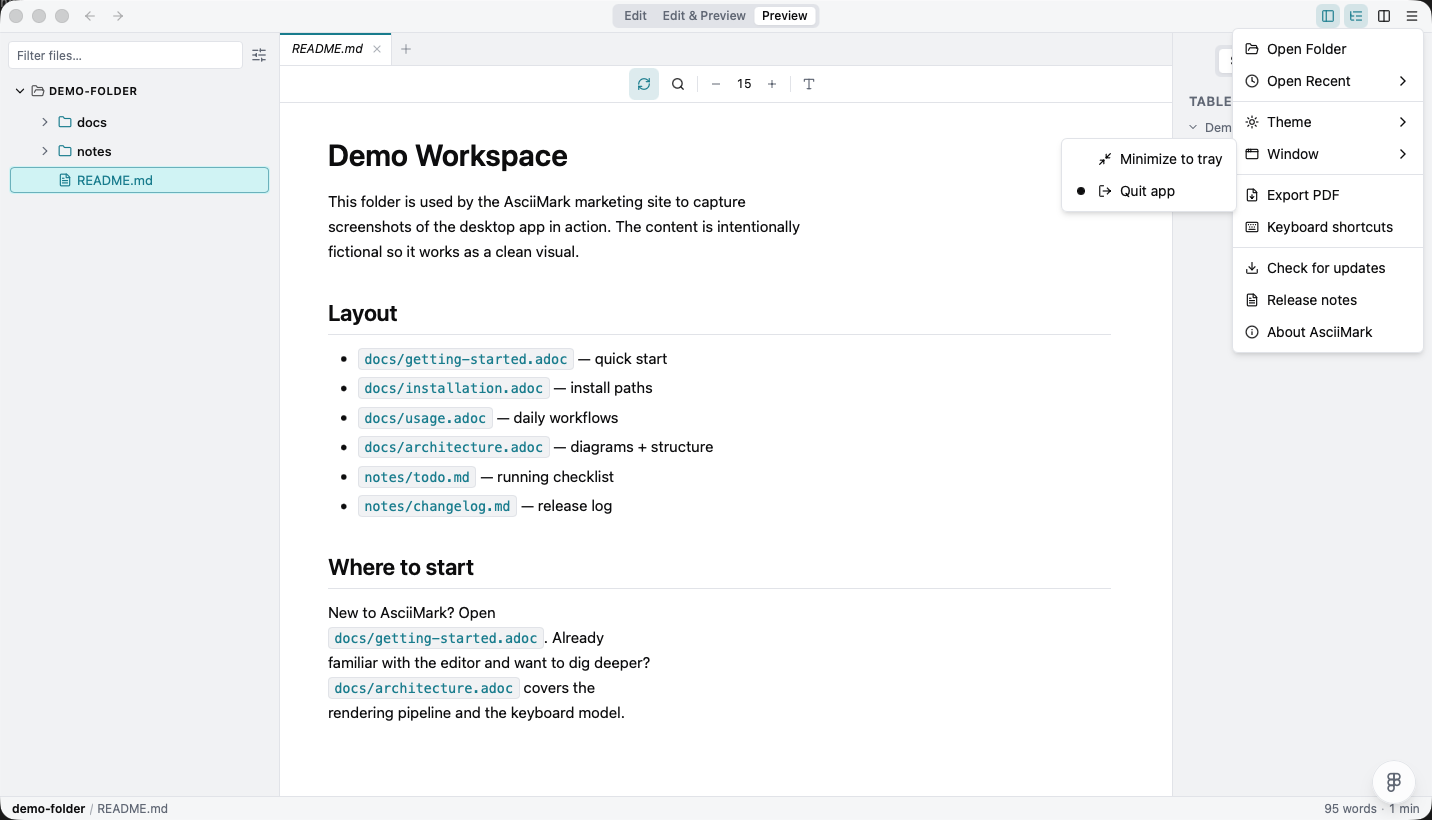
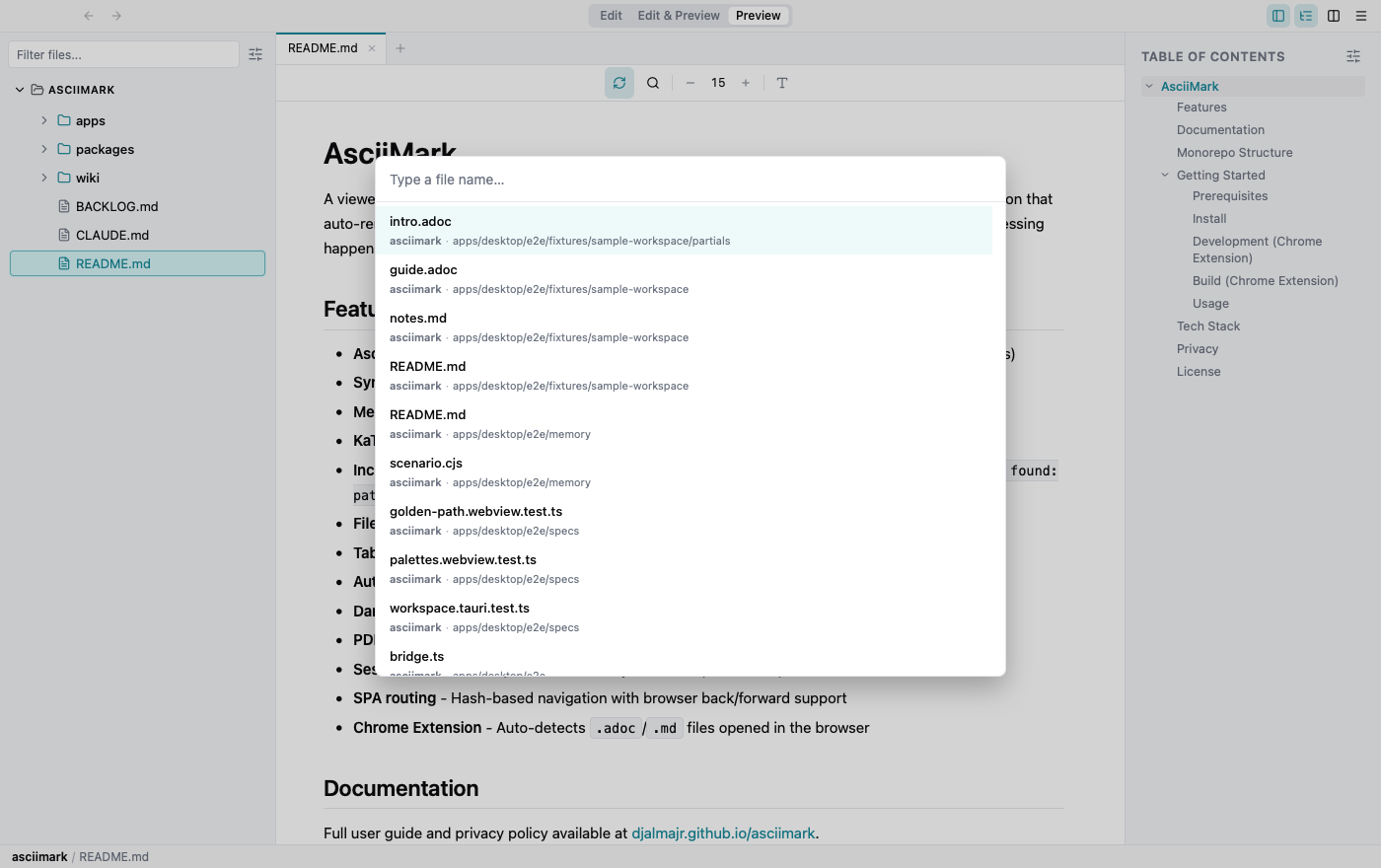
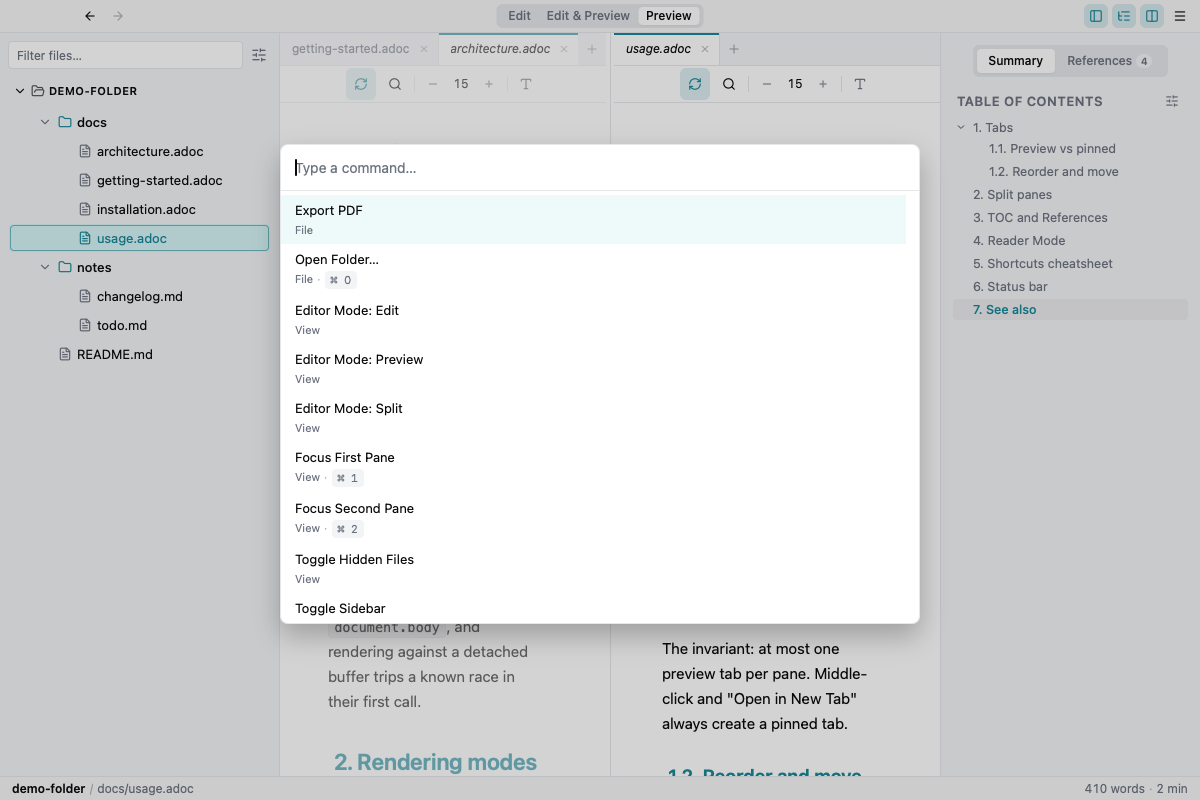
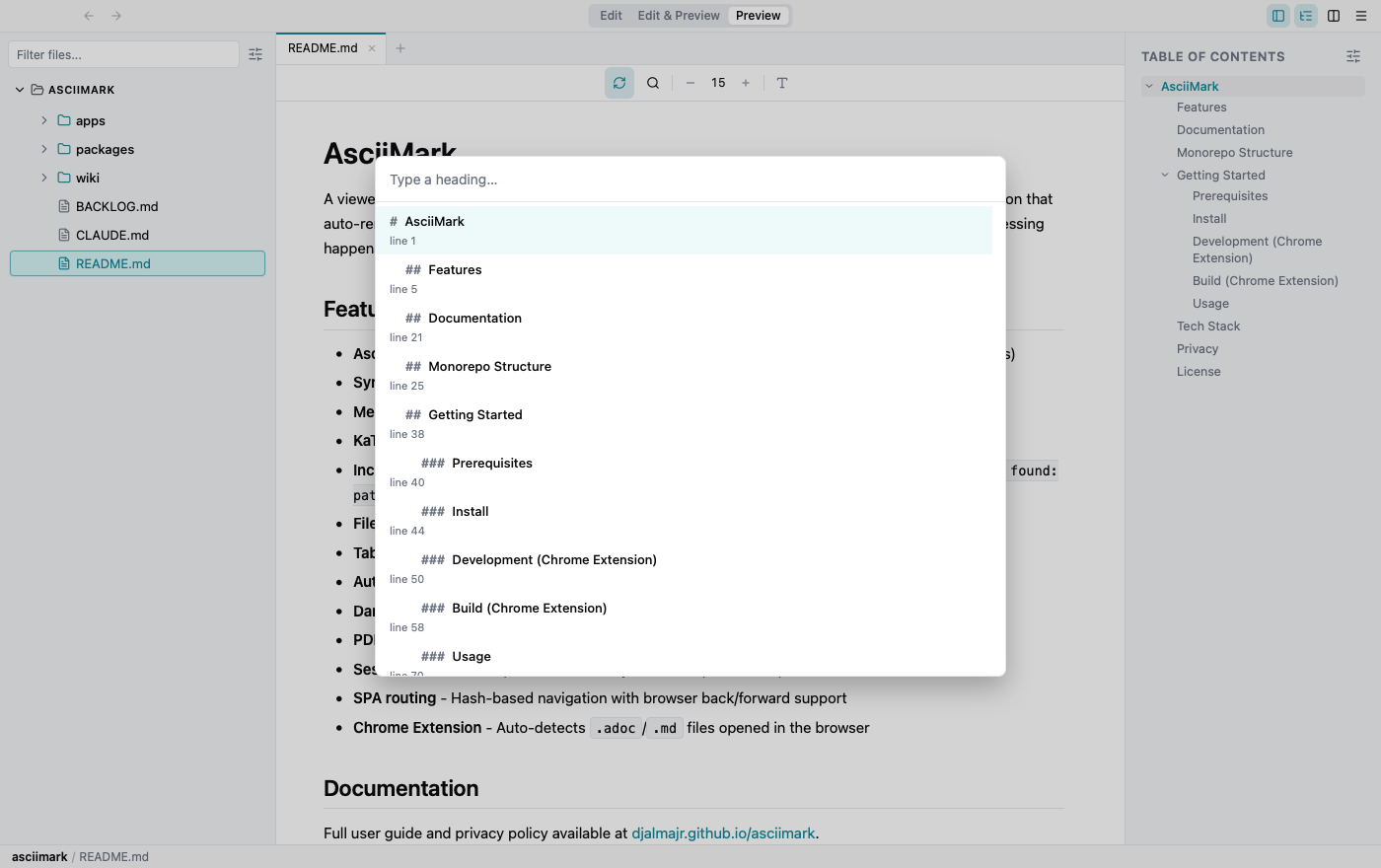
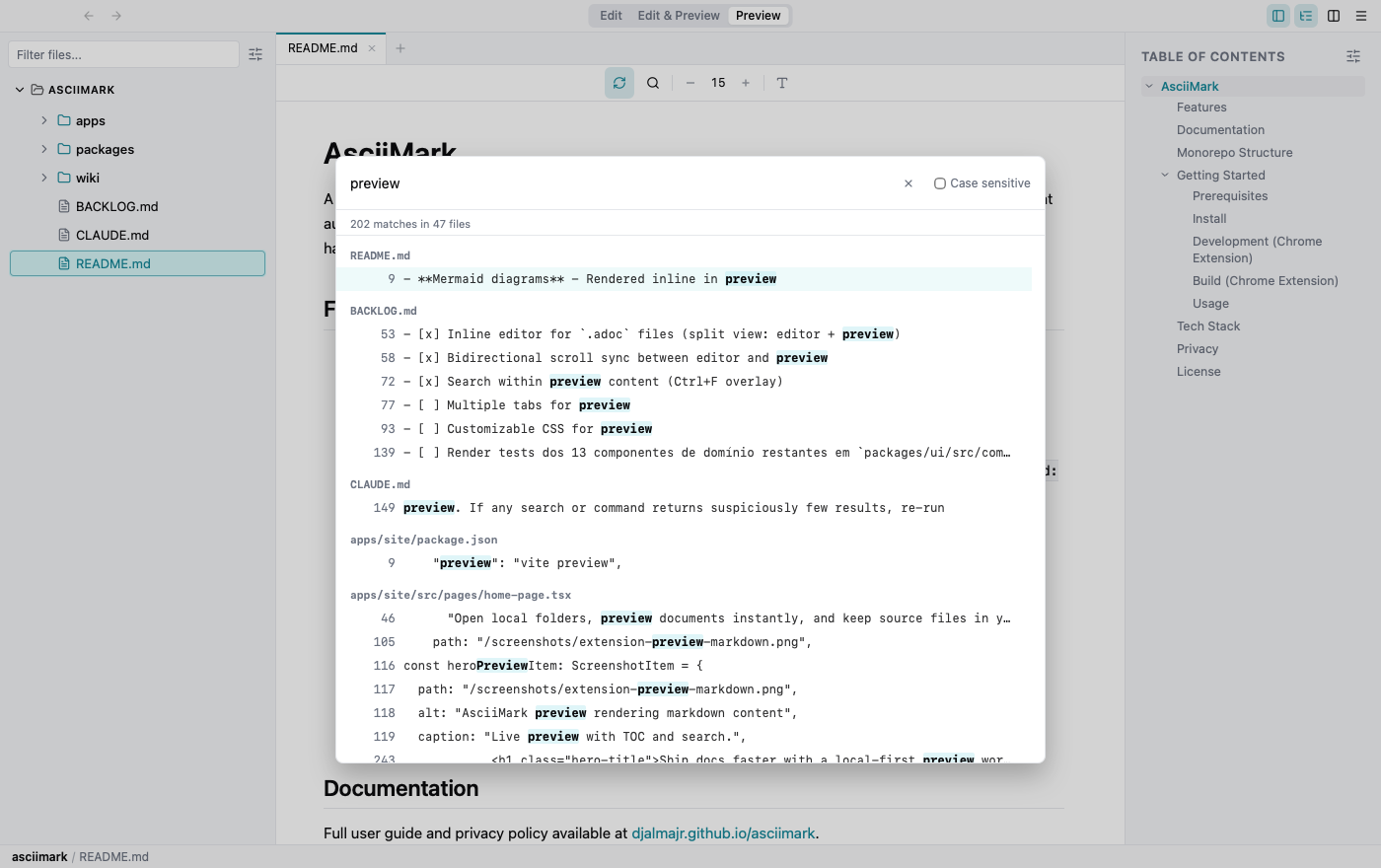
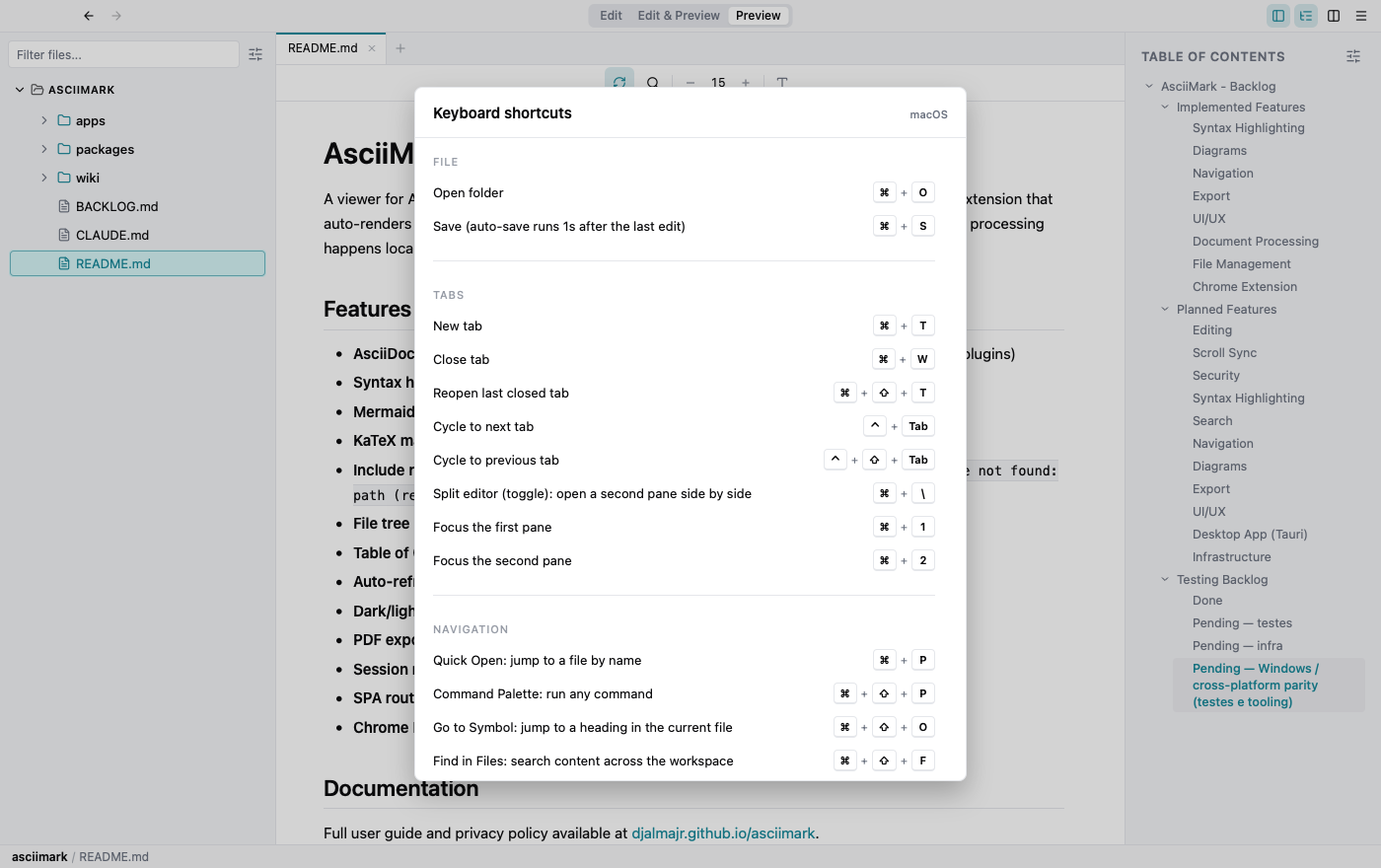
Loaded folder tree in the left sidebar.Loaded folder tree in the left sidebar.VSCode-style tabs — pinned upright, preview italic.VSCode-style tabs — pinned upright, preview italic.Summary tab shows the document TOC; the count on References indicates inbound links.References — workspace backlinks for the active file.Cmd/Ctrl+Alt+O — workspace-wide heading search.Reader / Zen mode — focused preview without distractions.Edit source and preview output side by side.File-tree visibility dropdown with the Respect .gitignore toggle.Window submenu with Minimize to tray and Quit app options.Quick Open — fuzzy-find a file across all open workspacesCommand Palette — every action in one placeGo to Heading — jump anywhere in the current documentFind in Files — search across the workspaceOpen the keyboard-shortcuts modalAppearance and export controls in the settings menu.AI assistant panelModel picker grouped by providerAI provider and model settingsMCP serversWorkspace indexingDiagram viewer with zoom and panImage viewer with zoom and panNative Excalidraw editing