
AI Assistant
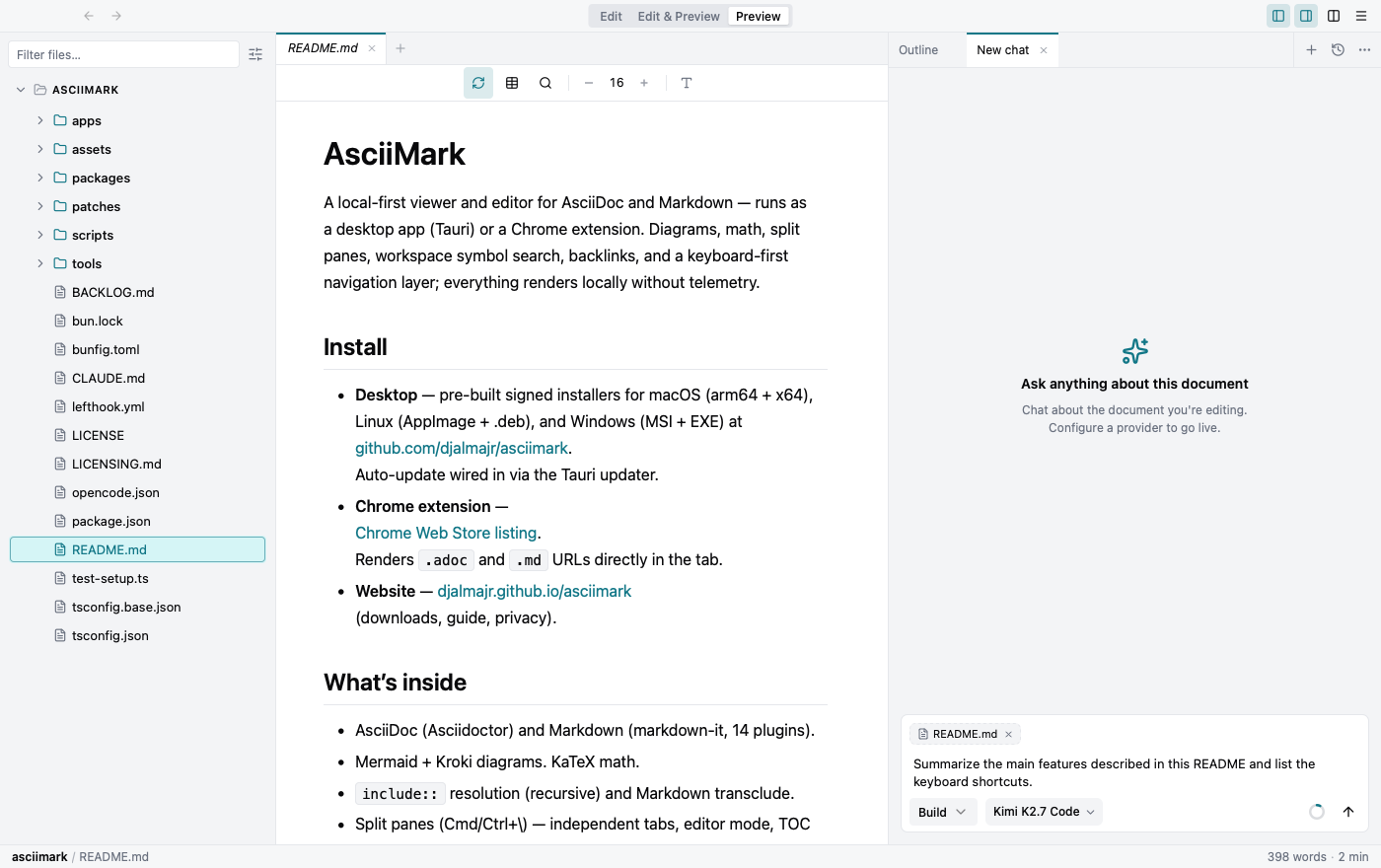
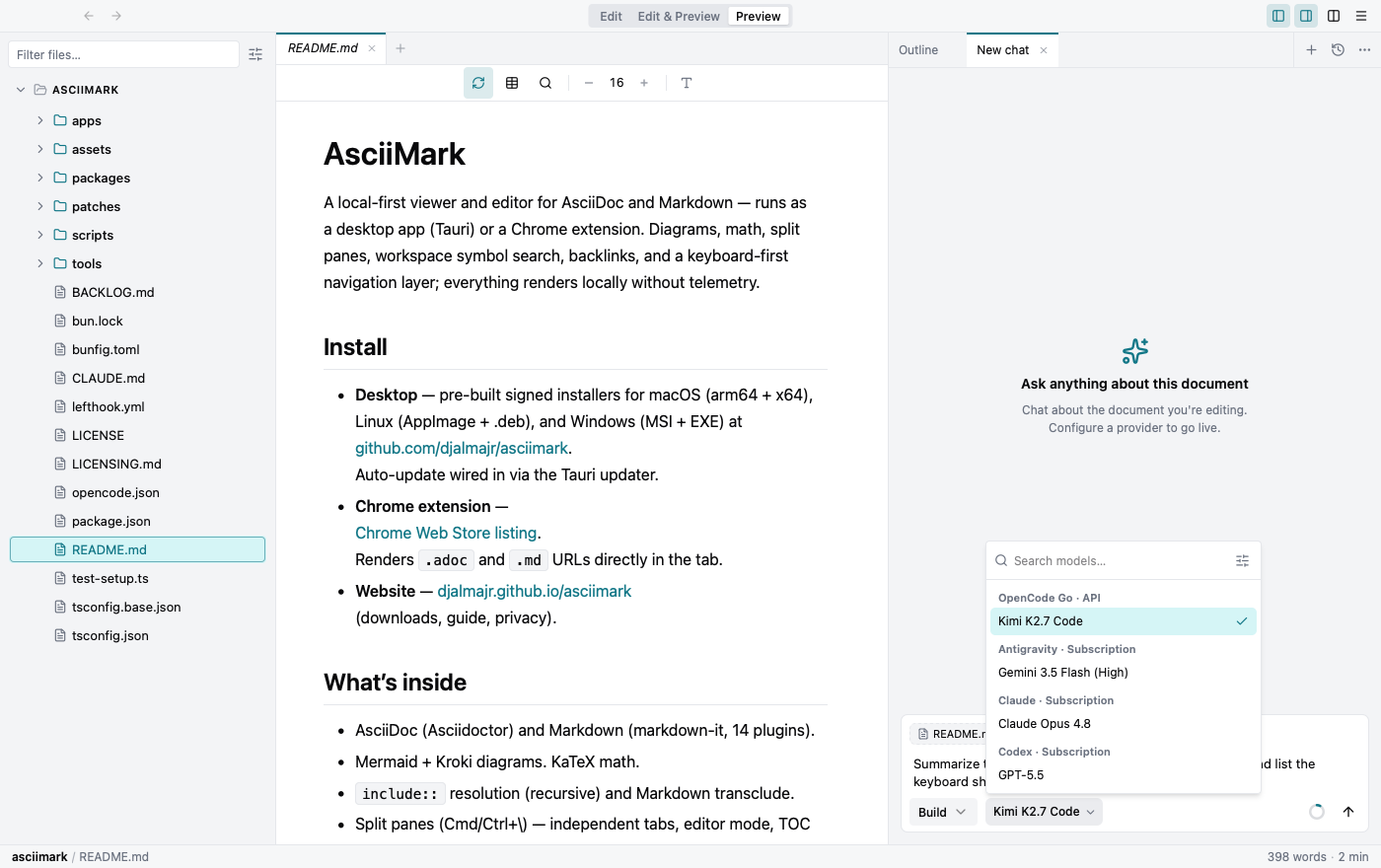
A built-in assistant sits in the right panel, aware of the document you’re editing. Open or focus it with Cmd/Ctrl+L, or from the right-panel tabs. Nothing is sent anywhere until you connect a provider — see AI Providers below.
Plan, Build, and Ask modes
Section titled “Plan, Build, and Ask modes”Plan keeps the assistant read-only, so it can outline an approach without changing anything. Build lets it run tools automatically. Ask keeps the same tools available, but shows an approval window before each tool call. Switch modes from the composer.
Context: selections, files, and mentions
Section titled “Context: selections, files, and mentions”The active document is always in context. Add more by selecting text in the editor, selecting shapes on an Excalidraw canvas, or typing @ to mention another file or folder. Context chips show exactly what the assistant can see.
Slash commands
Section titled “Slash commands”Type / in the composer to insert a reusable prompt template. Templates can be built in, global, or project-specific, and may take arguments.
Multiple sessions and history
Section titled “Multiple sessions and history”Keep several conversations open at once as tabs in the right panel. Past sessions are grouped by date and searchable; you can fork, archive, restore, or delete them.
What the assistant can do
Section titled “What the assistant can do”With a provider connected, the assistant can use a set of tools, each gated by your approval when it changes anything:
- Read the active document — including the outline of an Excalidraw canvas.
- Search the workspace — by keyword, or by meaning when indexing is enabled.
- Propose edits — shown as a diff you can accept or reject.
- Generate and edit diagrams — see Diagrams for editable, AI-generated Excalidraw.