
Diagrams
Markdraw renders diagrams inline, opens them in a full-screen viewer, and — with the assistant — can generate editable ones.
Rendered diagrams
Section titled “Rendered diagrams”- Mermaid diagrams render directly in preview.
- Kroki is used for PlantUML, Ditaa, Graphviz and related formats.
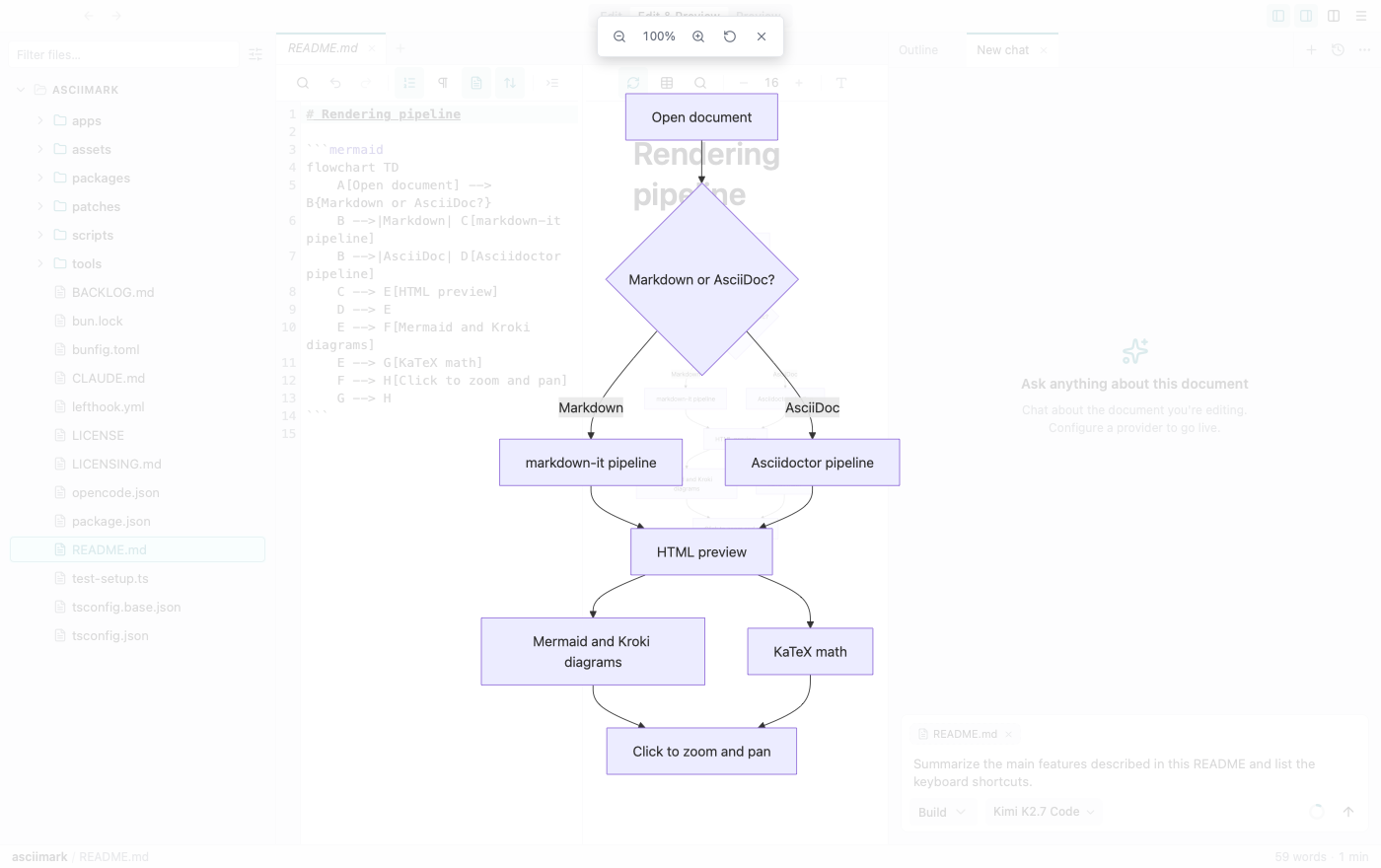
Zoom and pan
Section titled “Zoom and pan”Click a rendered diagram to open it full-screen, then scroll to zoom and drag to pan. The same controls work for images and PDFs.
Excalidraw canvases
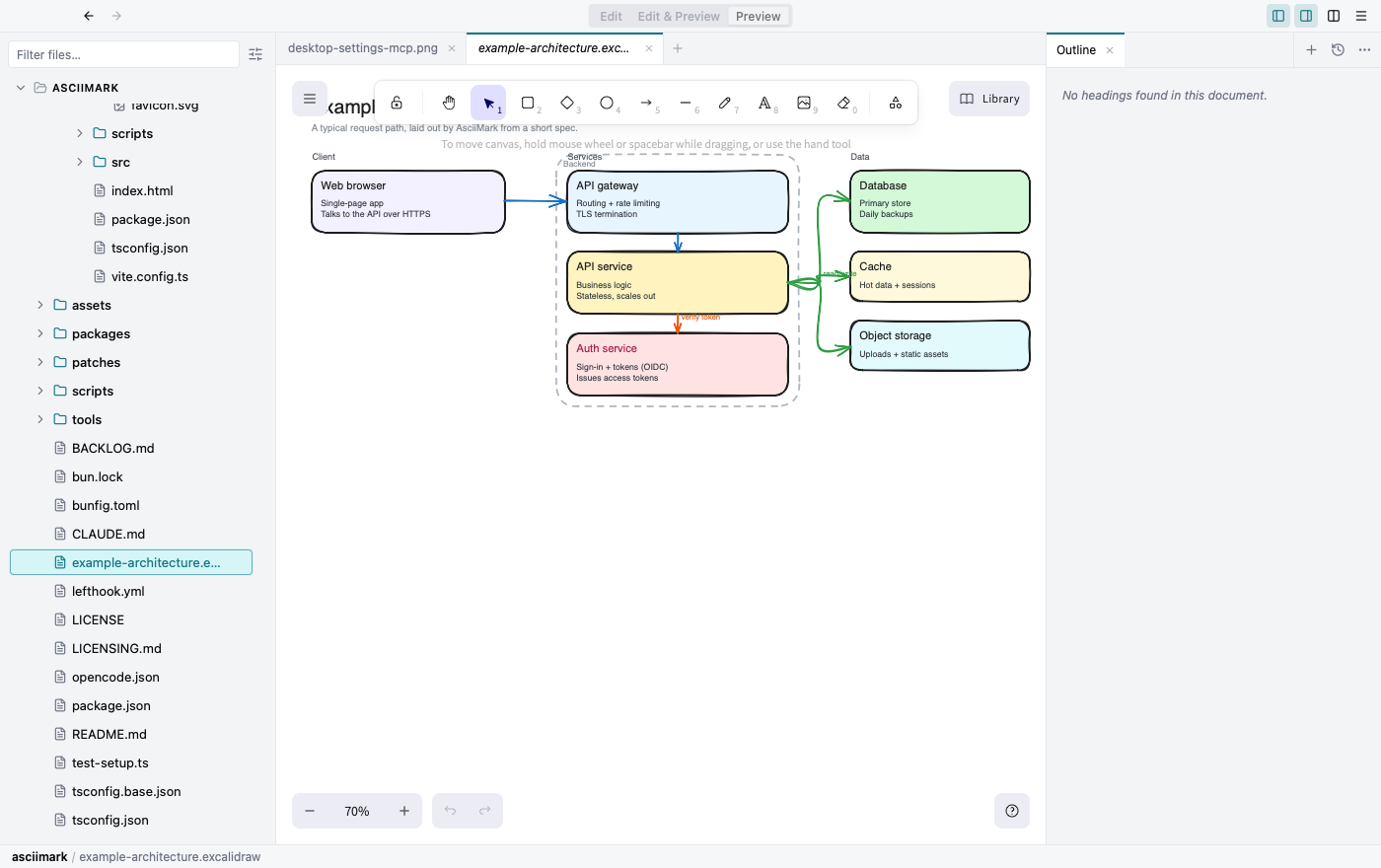
Section titled “Excalidraw canvases”Open and edit .excalidraw files on a full Excalidraw canvas, or create a new one. Your changes are saved straight back to the file.
AI-generated, editable diagrams
Section titled “AI-generated, editable diagrams”Describe an architecture or paste Mermaid, and the assistant builds an Excalidraw diagram you can keep editing. Arrows bind to their blocks and follow them when moved, and related blocks are grouped so they move together.